
Best AI Logo Generators in 2026 for Small Business Owners
A business can have a great product, a memorable name, and a clear vision, but it also needs a visual identity that customers can recognize. A logo helps small businesses build brand recognition and create a consistent look across their website, social media profiles, and marketing materials.
For small business owners, AI logo generators make it easier to create a logo without starting from a blank canvas or hiring a designer for an initial concept. You can enter your business name, describe the style you want, and quickly explore logo ideas that fit your brand.
But not every logo generator offers the same features or flexibility. The best option should provide appealing designs, useful customization tools, and file formats that work across different platforms and business materials.
In this guide, we compare five AI logo generators to help small business owners find the right tool for their branding needs in 2026.
Why a Good Logo Matters for Small Businesses
For small businesses, a logo is an important part of creating a recognizable brand. It gives customers a visual way to identify your business and helps establish a consistent look across your website, social media profiles, business cards, packaging, and other marketing materials.
A well-designed logo can also help a new business make a strong first impression, especially when customers are still getting familiar with its products or services.
Here are five reasons why a good logo matters for small businesses.
1. It Makes Your Business Easier to Recognize
A distinctive logo gives customers a visual cue they can associate with your business. Whether they see it on social media, your website, or a product package, a consistent design helps them identify your brand more easily.
For small businesses competing with established brands, a recognizable logo can help build familiarity as customers encounter the business repeatedly.
2. It Creates a Professional First Impression
A clear, well-designed logo can help your business look more established and credible. This is particularly useful for new businesses that want to make a positive impression on potential customers.
You don’t necessarily need an expensive custom design to get started. AI logo generators can help you explore different concepts and find a design that suits your business.
3. It Keeps Your Branding Consistent
Your logo should work as part of your overall brand identity. Using the same logo, colors, and typography across your website, social media, business cards, packaging, and other materials helps create a more cohesive look.
This consistency makes it easier for customers to connect the different places where they encounter your business.
4. It Works Across Different Sizes and Formats
A logo might appear on a website header, a social media profile, a business card, or a large sign. It needs to remain clear and recognizable across these different sizes and applications.
Simple shapes, readable typography, and a clear visual focus can help. When comparing AI logo generators, look for customization options and downloadable file formats that suit your intended uses.
5. It Supports Your Other Branding Needs
A logo is often just the starting point for a small business’s visual identity. You may also need social media graphics, promotional materials, business cards, or a website that matches your brand.
Choosing a logo generator that offers additional design and branding tools can make it easier to create these assets with a consistent visual style. This can be especially helpful for business owners who manage their own marketing.
Best AI Logo Generators for Small Business Owners
There are plenty of AI-powered design tools available, but they take different approaches to logo creation.
Some focus specifically on generating logos, while others combine logo creation with broader design and branding tools. For small business owners, we looked at how easily each tool can produce a logo, how much control it offers over the final design, and what additional features can help businesses build a consistent brand.
| AI Logo Generator | Best For | Customization | Small Business Branding | Starting Price |
| Design.com | Complete logo and branding setup | Edit fonts, colors, icons, layouts, and other logo elements. AI editing also lets you request changes in plain language. | Create a logo and carry the same branding across websites, social media, business cards, and other marketing materials. | Free; paid plans from $3/mo annually |
| BrandCrowd | Large selection of logo designs | Adjust fonts, colors, icons, spacing, and layouts, and apply AI-assisted edits for further changes. | Explore logo designs and create matching branded materials for your website, social media, business cards, and other business needs. | Free; paid plans from $3/mo annually |
| Canva | AI generation plus general design | Customize colors, fonts, graphics, and layouts using Canva’s familiar drag-and-drop editor. | Create a logo and use Canva’s design tools to make social media graphics, presentations, flyers, and other promotional materials. | Free; Pro from $144/year |
| Adobe Express | AI design within the Adobe ecosystem | Generate logo ideas from prompts, then refine the design with Adobe Express’s editing and design tools. | Develop logo concepts and create matching marketing materials, social media graphics, and other branded content. | Free; Premium from $9.99/mo |
| Looka | AI logos and brand kits | Adjust colors, fonts, symbols, layouts, spacing, and sizing after generating a logo. | Create a logo and use its Brand Kit to develop a consistent visual identity across business and marketing materials. | Free to create; paid logo packages |
Pricing and features can change, so check each platform before purchasing.
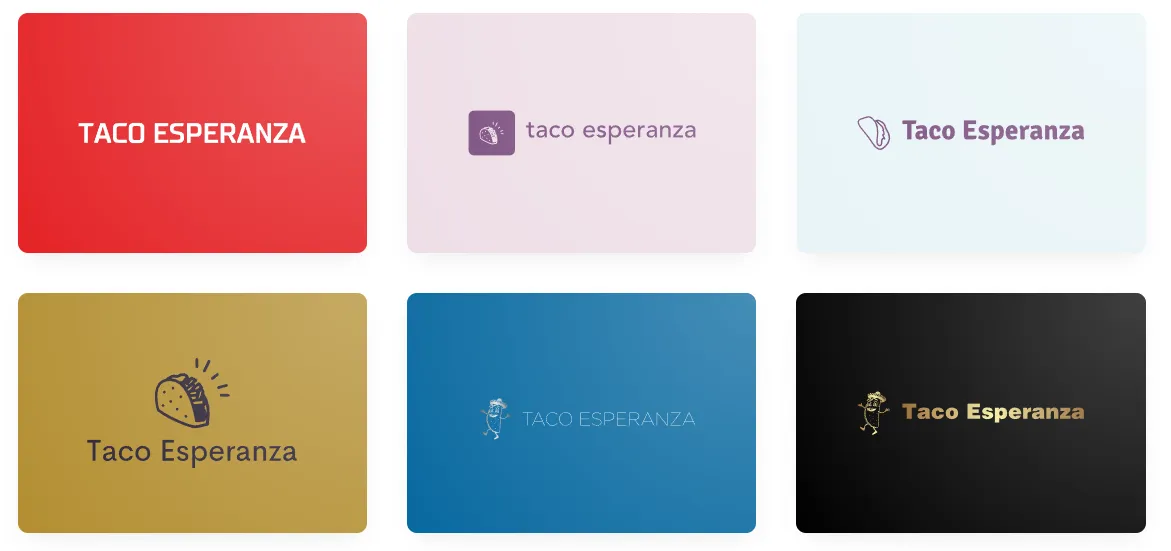
For a consistent comparison, we’ll use the same fictional business throughout the list: Taco Esperanza, a Mexican restaurant. We’ll enter the business name into each logo generator, review the resulting designs, customize one of the options, and then see how the finished logo works.
1. Design.com
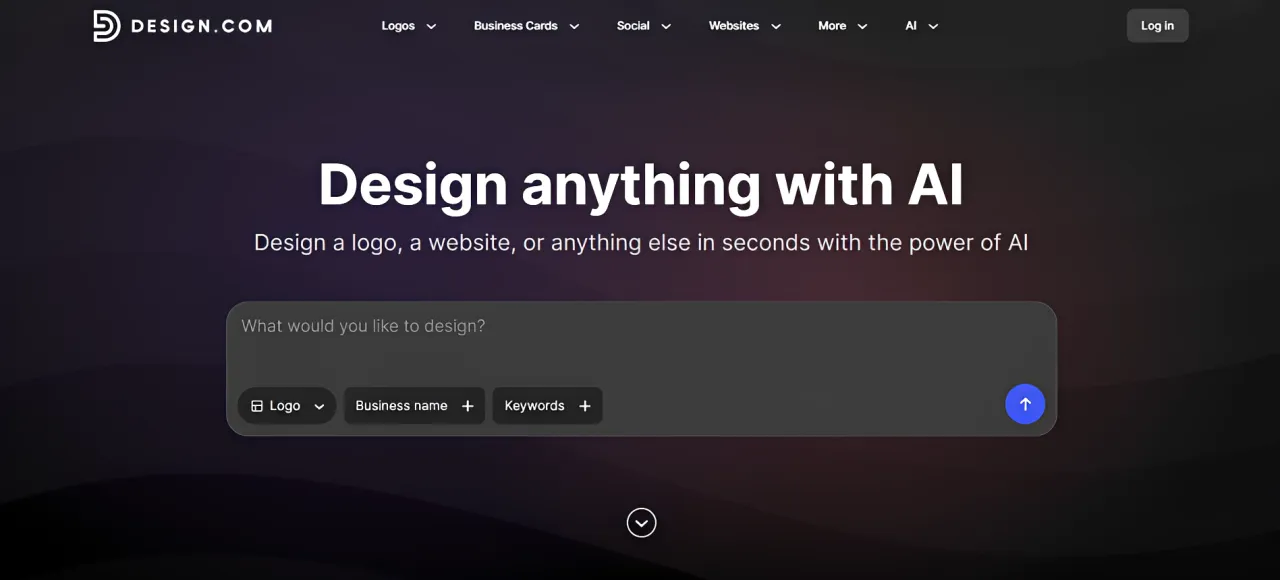
Best for: Businesses that want an AI-generated logo plus tools for building a complete brand
Design.com is a strong choice for businesses that want to go beyond generating a single profile picture.
Its AI logo generator lets you enter a business name and optional keywords to generate logo concepts tailored to the business and its industry. The platform can generate thousands of variations that you can then filter and customize.
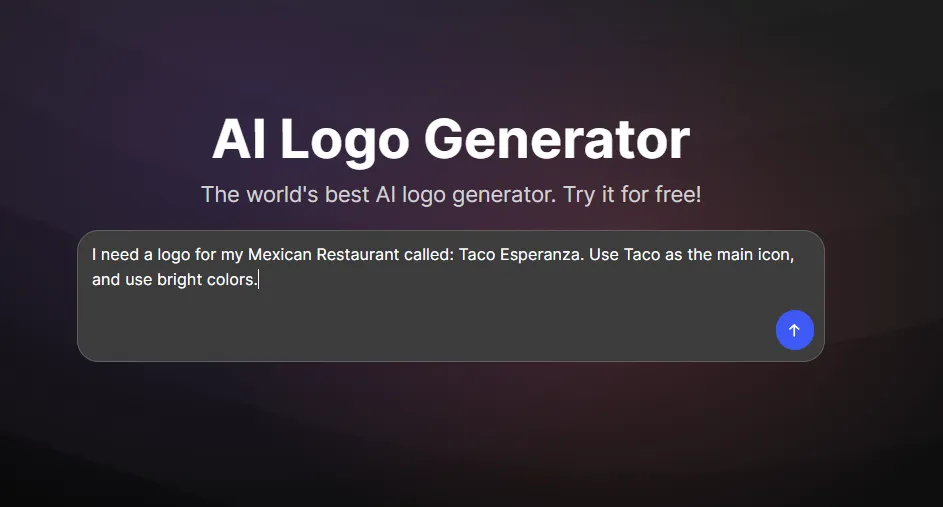
For our test, we used Taco Esperanza as the business name. The goal was to find a logo that would suit a Mexican restaurant, reflect its brand identity, and work across different business materials, including social media profiles, websites, and promotional designs.
We got some amazing results:
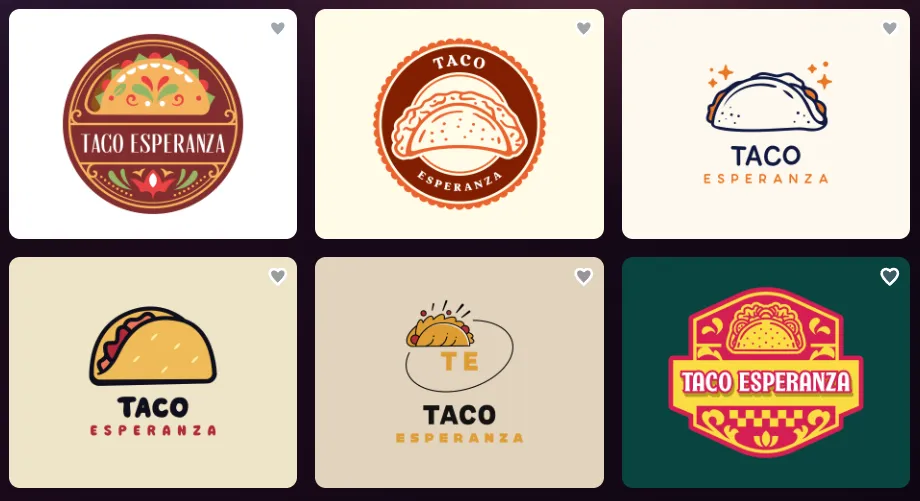
And more:
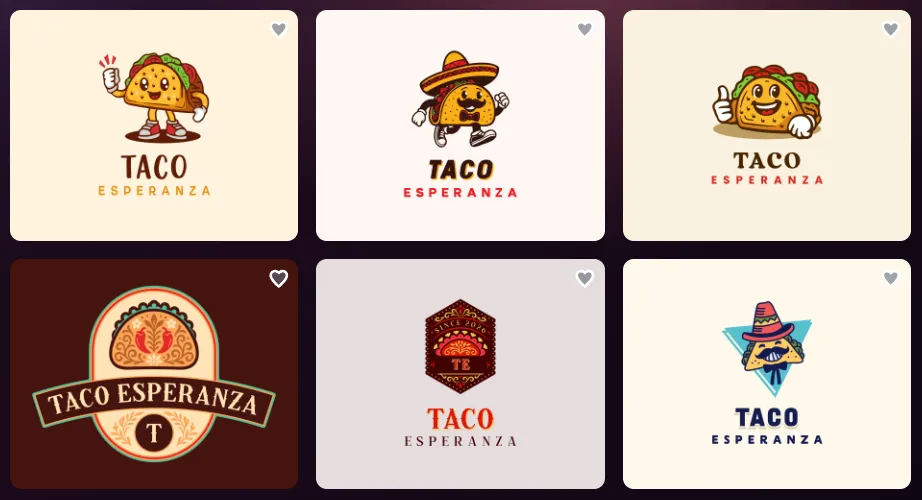
The generated options offer different directions to consider, rather than forcing you to design the logo from scratch. Once you find a concept you like, Design.com lets you adjust elements such as:
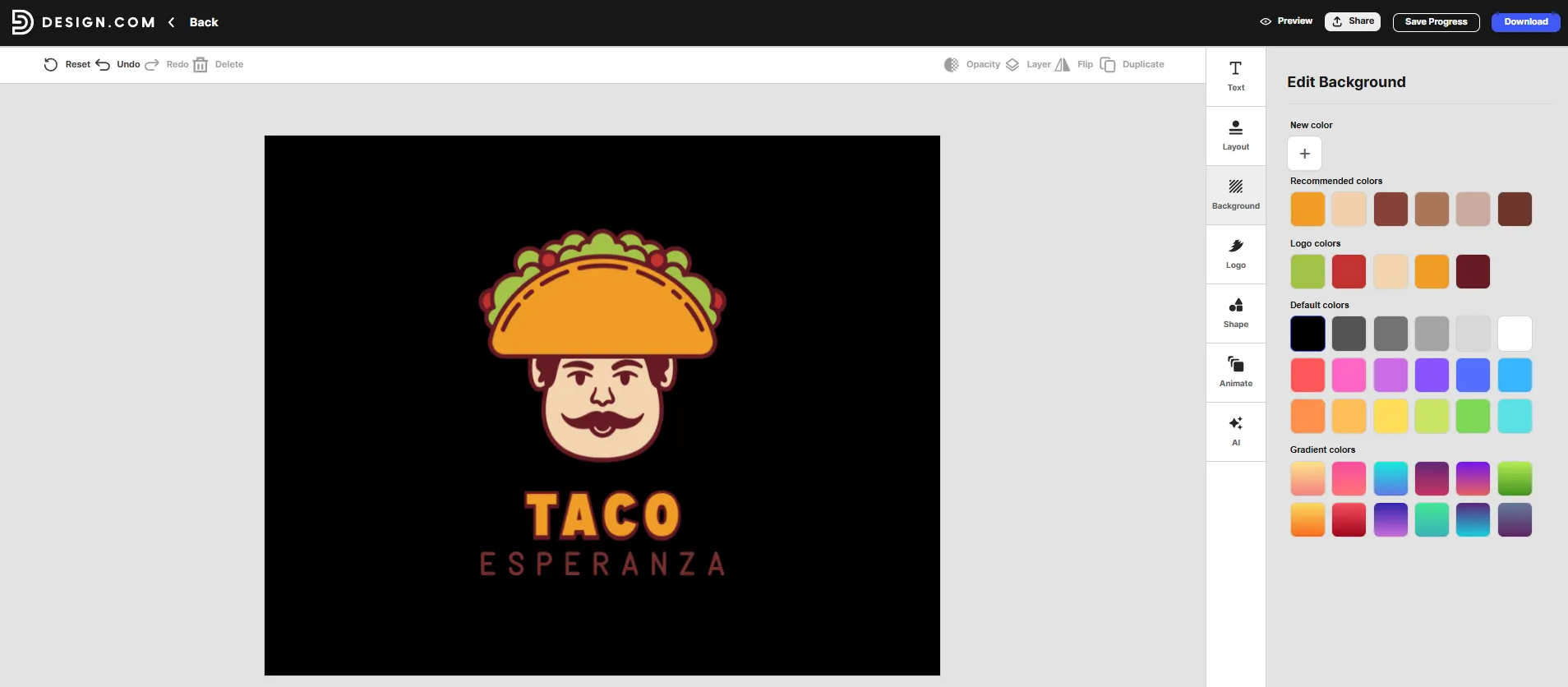
Colors
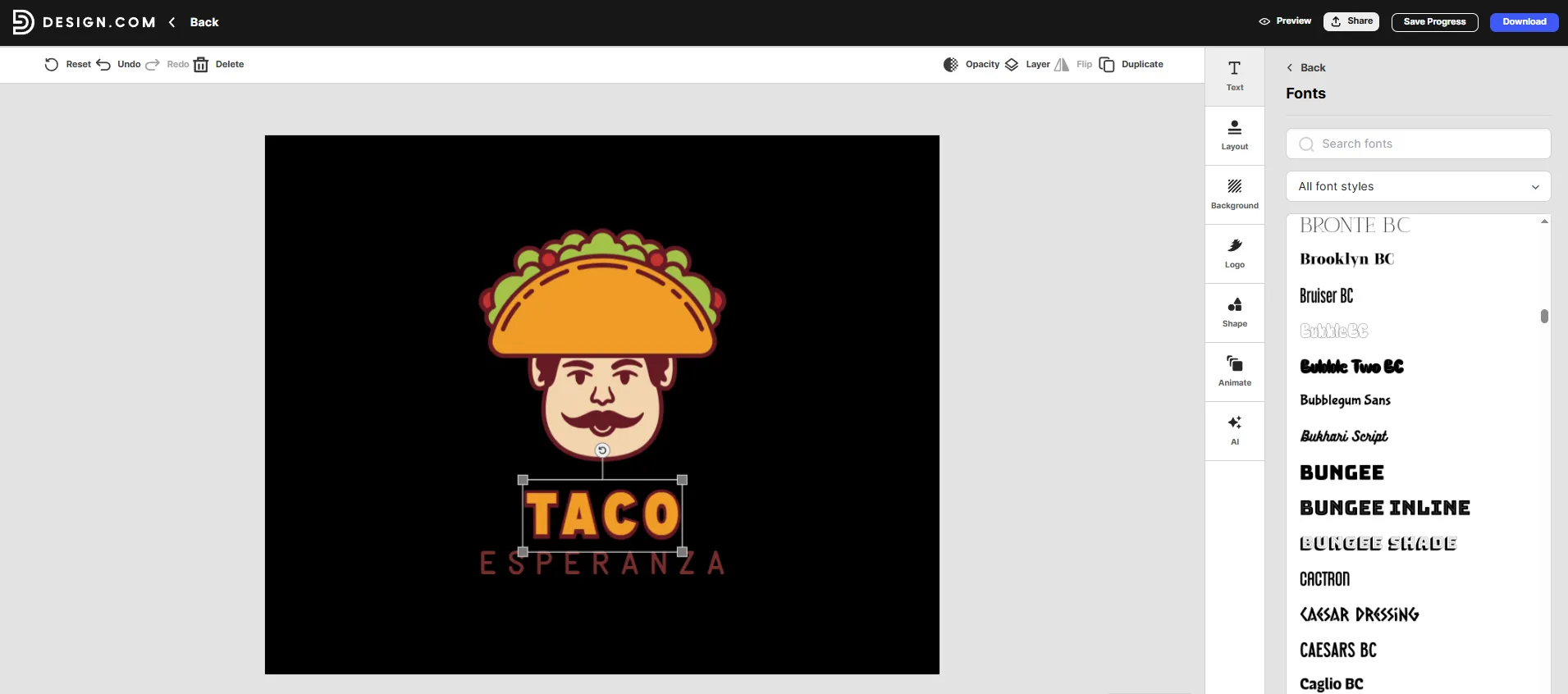
Fonts
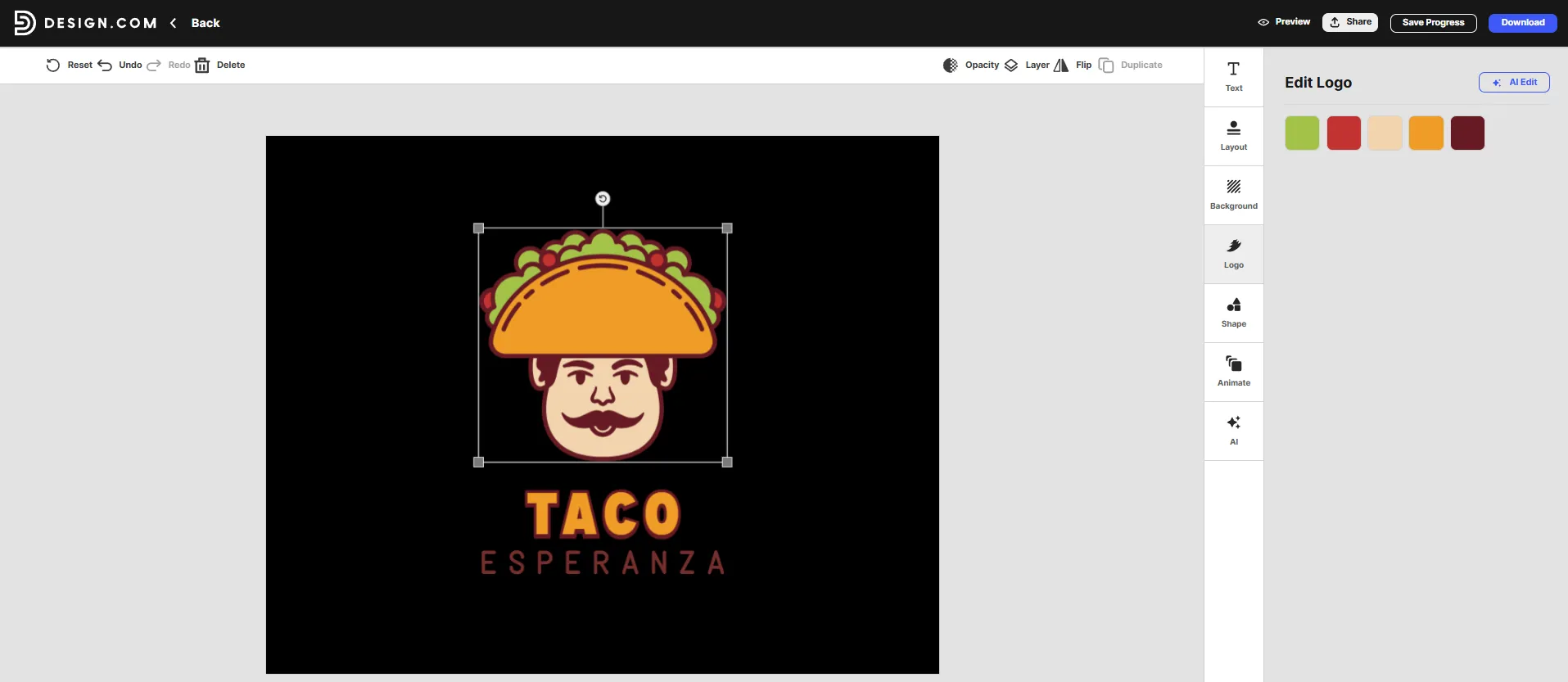
Logo Colors
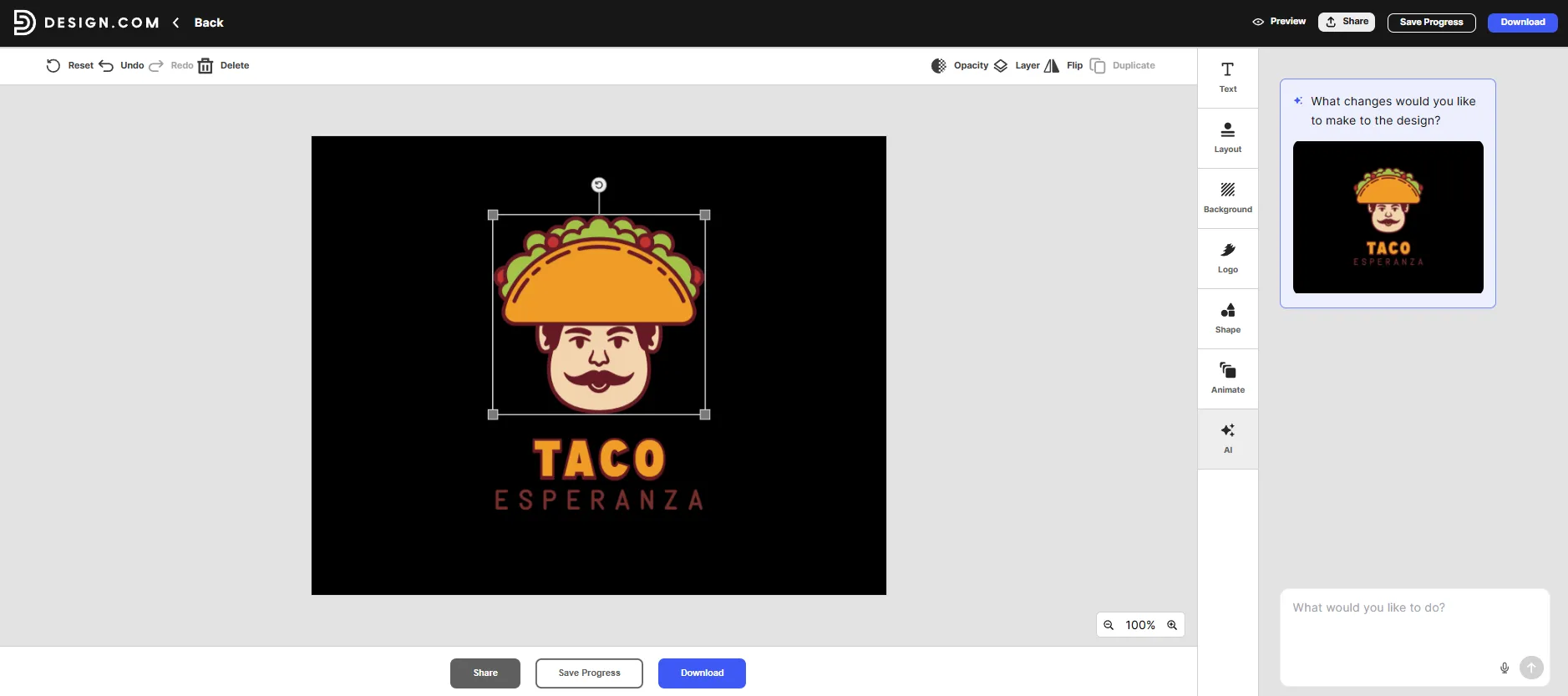
It also has an AI chat editor that lets you describe changes in plain language. This can be useful when you know what you want changed but don’t want to manually experiment with every design setting.
One advantage for small business owners is that the logo can be part of a broader branding setup. Design.com includes more than 50 additional design tools for creating social media graphics, business cards, letterheads, websites, and other branded materials, making it easier to maintain a consistent look across the business.
That makes it easier to keep Taco Esperanza’s branding consistent across its website, social media, and other marketing materials.
Pricing
Design.com offers a free option as well as three paid plans. The free plan lets you create and download selected logos in high-resolution and vector formats, and gives you access to tools for building websites, link-in-bio pages, digital business cards, and other designs.
For businesses that want additional branding features, the paid plans are:
- Starter: $3/month when billed annually or $9/month when billed monthly. Includes high-resolution and vector logo files, unlimited logo edits, full logo ownership, business cards, social media posts, email signatures, letterheads, and access to thousands of templates.
- Value: $4/month when billed annually or $14/month when billed monthly. Includes everything in Starter, plus the website builder.
- Premium: $5/month when billed annually or $19/month when billed monthly. Includes everything in Value, plus a link-in-bio creator and digital business card maker.
The paid plans also provide ongoing access to the logo editor, so you can create different versions of your purchased logo by changing its colors, fonts, and layout.
Verdict
Design.com is the strongest all-around option in this list for a small business that wants its logo to become part of a larger brand identity. The combination of AI generation, detailed customization, AI-powered editing, and additional branding tools gives small businesses plenty of room to build beyond their profile picture.
2. BrandCrowd
Best for: Businesses that want a large selection of professionally designed logo directions
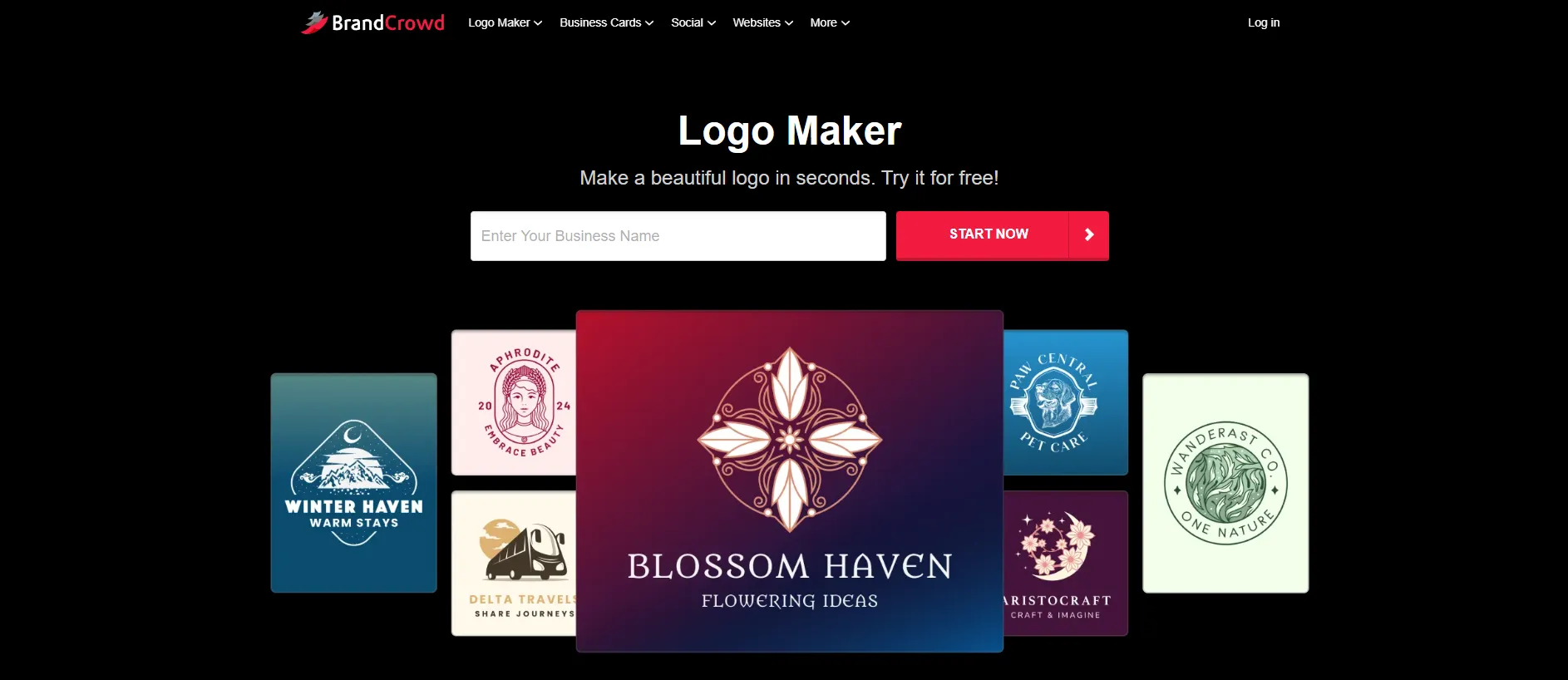
BrandCrowd takes a slightly different approach to AI logo creation. Instead of relying only on generative imagery, its platform combines AI-powered suggestions with a large library of professionally designed logo templates.
BrandCrowd’s AI Logo Maker offers more than 380,000 logo templates, along with more than 1 million additional design templates and more than 50 other design tools.
For this test, we entered Taco Esperanza and reviewed the generated logo concepts.
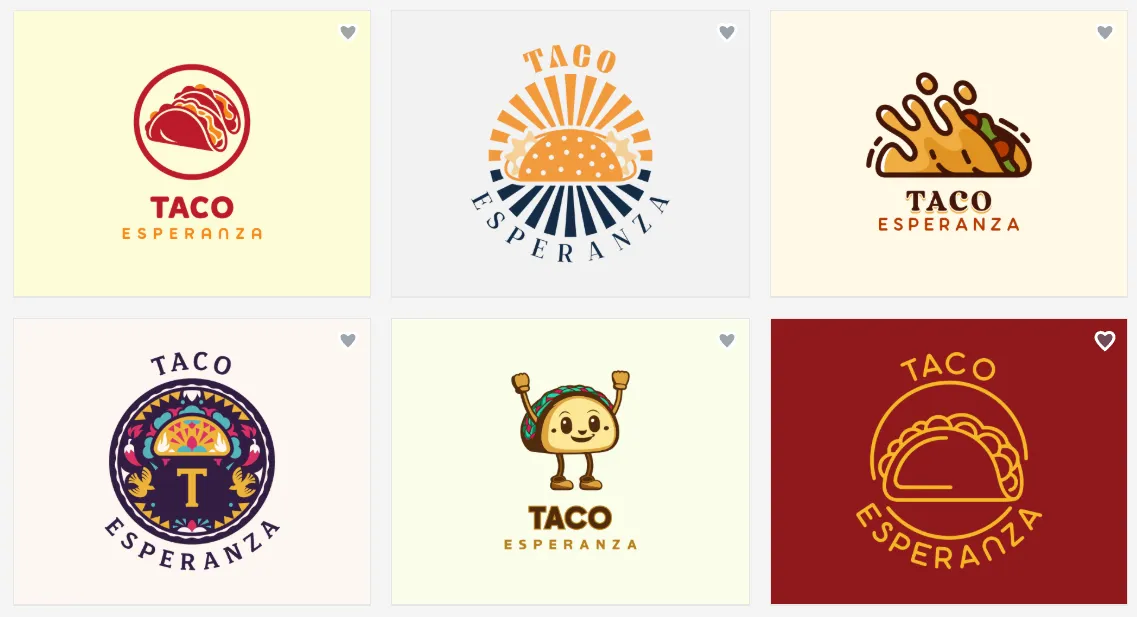
This gives a restaurant owner plenty of control over the final result. For example, you could experiment with warmer colors, change the typography, or select a different food-related icon before settling on a profile image.
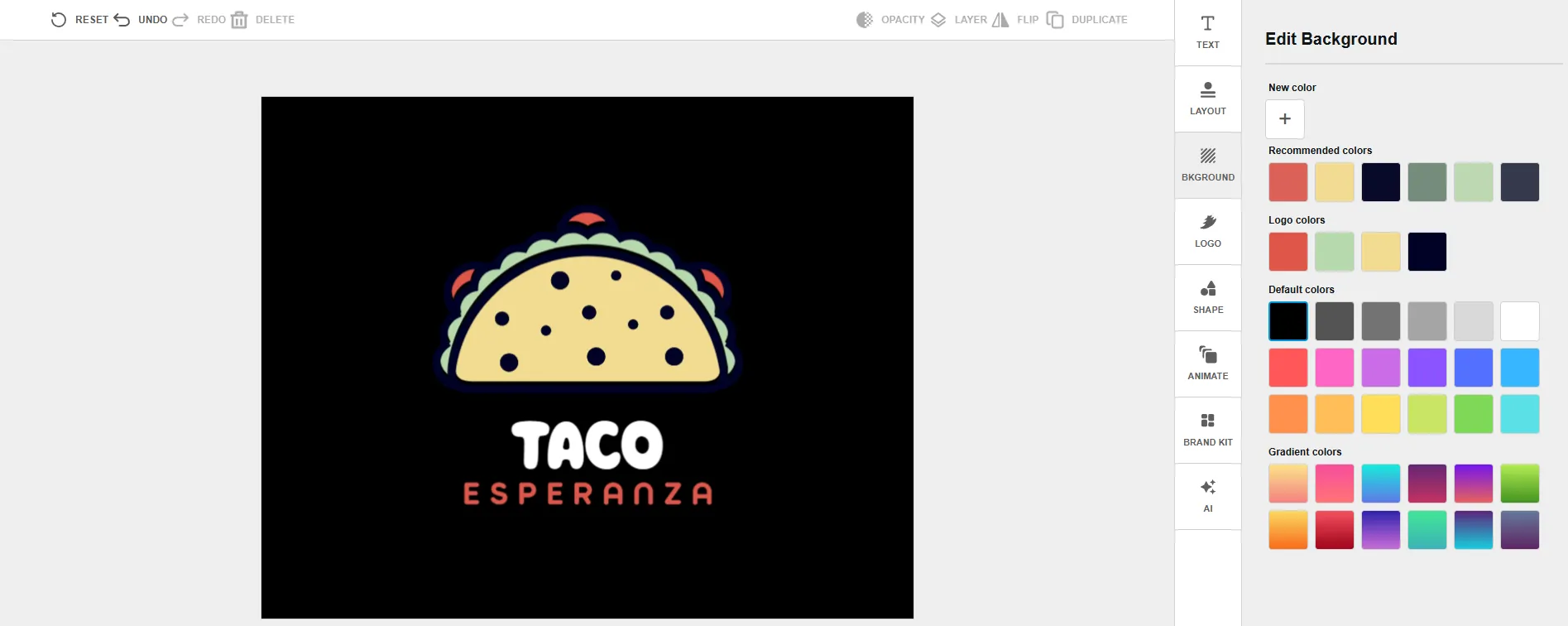
Color Customization
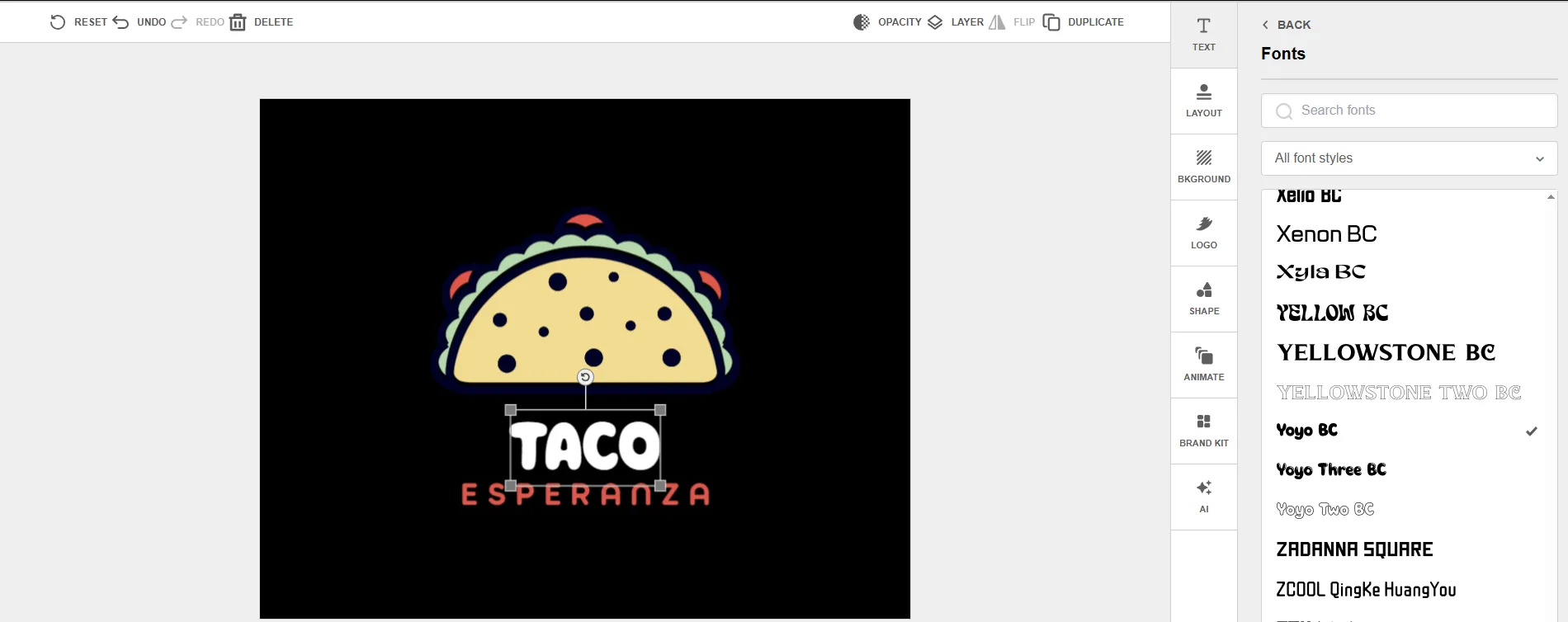
Typography
BrandCrowd also lets you apply your branding to other materials, including social media graphics, business cards, email signatures, flyers, and more.
Pricing
BrandCrowd offers a free plan with a selection of logos that can be customized and downloaded without a watermark. Free logos include high-resolution PNG and JPG files as well as vector formats such as SVG, EPS, and PDF.
For businesses that want access to more designs and branding tools, BrandCrowd offers three paid tiers:
- Starter: $3/month when billed annually or $9/month when billed monthly.
- Value: $4/month when billed annually or $14/month when billed monthly.
- Premium: $5/month when billed annually or $19/month when billed monthly.
All paid plans include unlimited logo edits, high-resolution downloads, vector files, commercial use, and access to more than 50 branding and design tools. The higher tiers add more tools and features for creating websites and other branded materials.
Verdict
BrandCrowd is a good choice if you want to explore a wide range of professionally designed logo options before making a decision. Its extensive template library and editing options make it particularly useful for businesses that want a wide range of visual options.
3. Canva
Best for: Businesses already using Canva for social media content
Canva is better known as a general-purpose design platform, but it also offers an AI logo generator that can create logo concepts from written prompts.
You can describe the logo you want using natural language and generate different styles, including graphic design, illustration, and sketch-based approaches. Canva also lets you regenerate results with a revised prompt if the first version isn’t right.
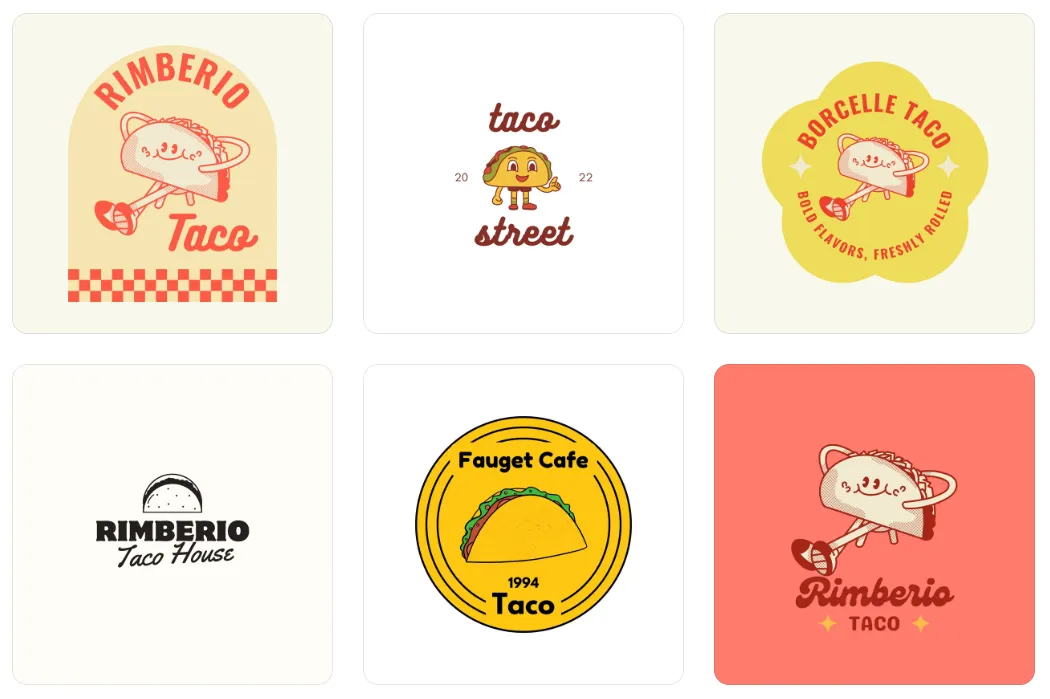
Once you have a result, you can continue editing it inside Canva. The platform provides familiar design controls for adjusting colors and other visual elements, while its broader design ecosystem makes it easy to create social media graphics based on the finished logo.
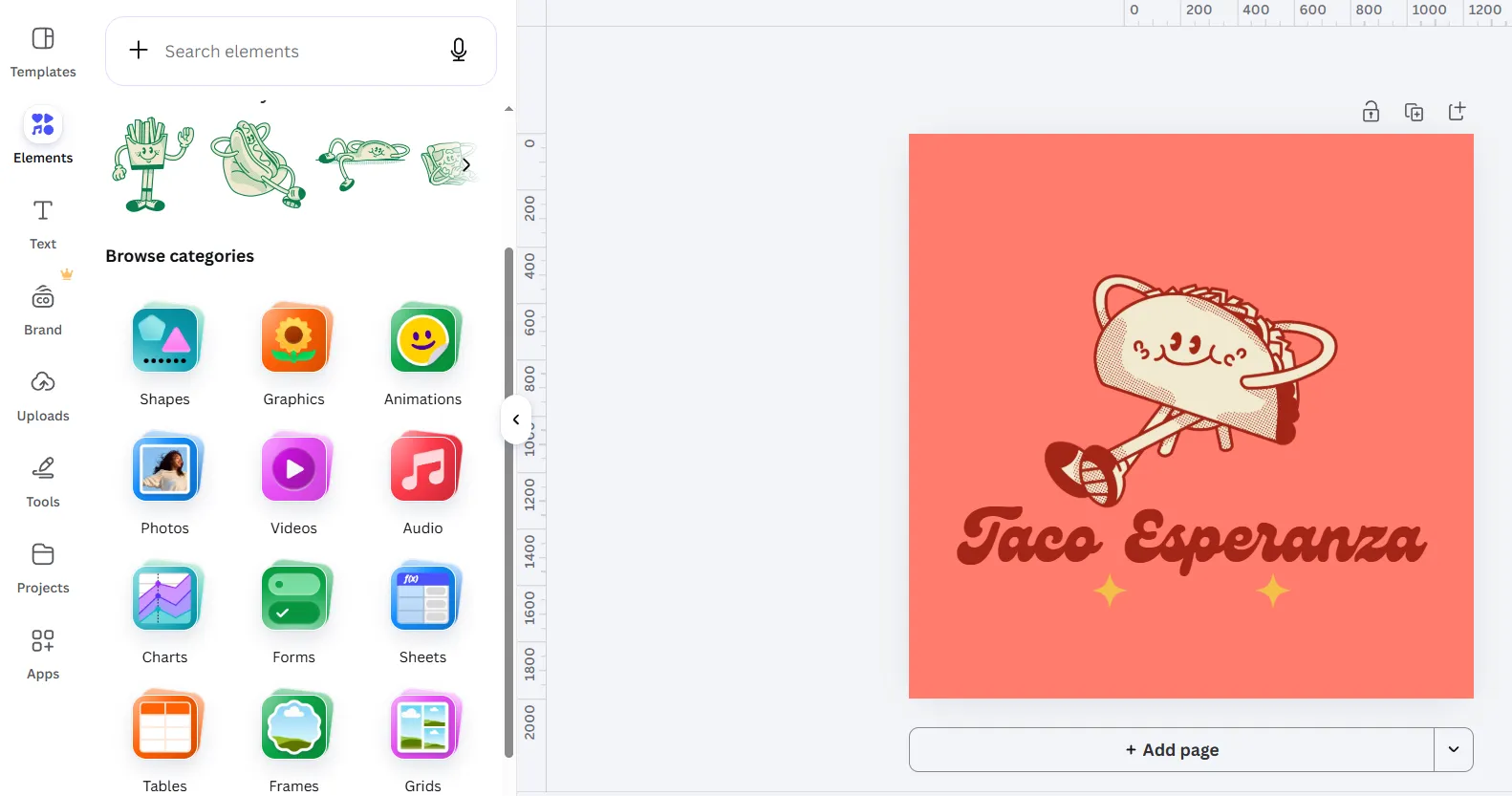
This can be particularly useful for a small business because the same platform can be used to create posts, promotional graphics, banners, and other content.
Pricing
Canva offers a Free plan at $0, which includes basic design tools, more than 1.6 million templates, 4.7 million+ photos, videos, graphics, and audio assets, 5GB of cloud storage, and limited AI usage.
For users who need more design and AI features, Canva offers several paid options:
- Canva Pro: $144/year for one person. The plan includes premium templates and content, AI-powered tools, five Brand Kits, social content scheduling, 100GB of cloud storage, and a larger AI allowance.
- Canva Business: $250/year per person. Designed for individuals and growing teams, it includes everything in Pro plus collaboration and team administration tools, up to 100 Brand Kits, approvals, 500GB of storage, and a higher AI allowance.
- Canva Enterprise: Custom pricing. This plan is intended for larger organizations and adds enterprise-level security, SSO, and SCIM provisioning, custom apps, up to 1,000 Brand Kits, advanced team management, and dedicated support for eligible customers.
Canva also offers paid plans billed monthly or annually, though the exact monthly price varies by plan and location.
Verdict
Canva makes the most sense for small business owners who already use it to create marketing materials. Its logo generator is useful, but its biggest advantage is the ability to design social media graphics, presentations, flyers, and other branded content on the same platform.
4. Adobe Express
Best for: Businesses that want AI logo generation alongside Adobe’s design tools
Adobe Express offers an AI logo generator powered by Adobe’s generative technology. Instead of selecting from only predefined logo categories, you can describe what you want and generate logo concepts from a text prompt.
Adobe recommends using a descriptive prompt of five or more words, and you can also provide reference images to guide the result.
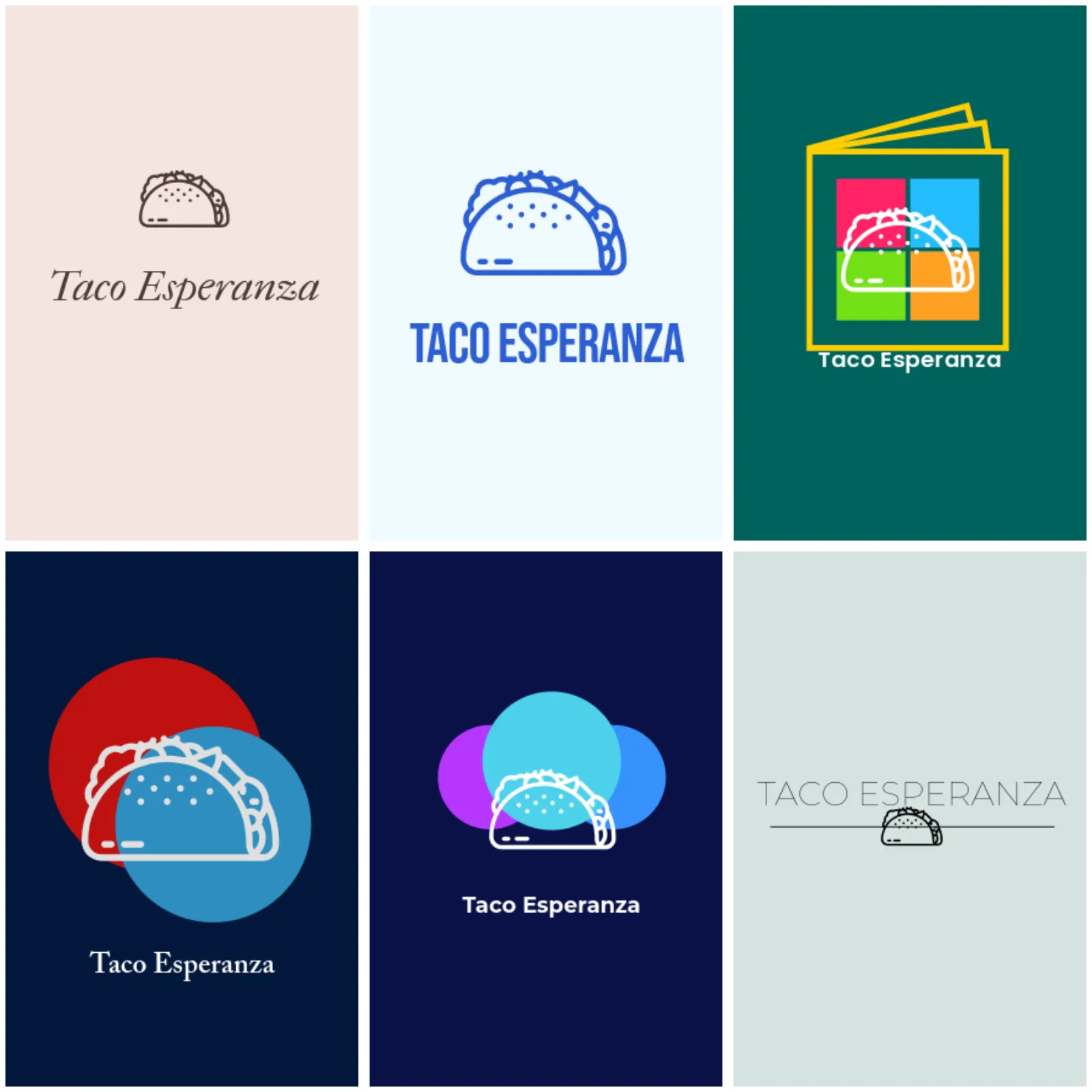
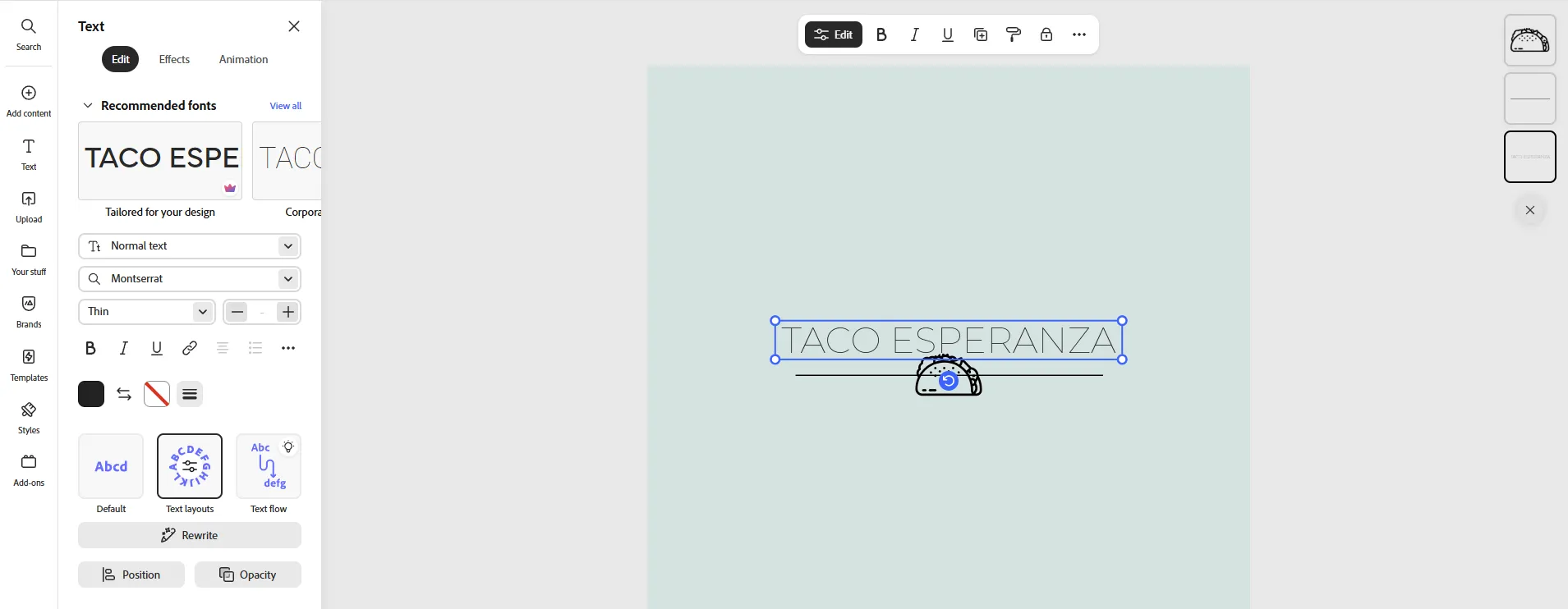
After generating a logo, you can open it in the Adobe Express editor to make additional changes and regenerate the design if necessary.
For businesses already using Adobe products, Express can also fit naturally into an existing creative workflow.
Pricing
Adobe Express offers a Free plan at $0, which includes basic editing tools, 100,000+ templates, 1M+ Adobe Stock assets, 4,000+ fonts, basic social scheduling, 5GB of storage, and limited generative AI credits.
For users who need more design and AI features, Adobe offers several paid options:
- Adobe Express Premium: $9.99/month. Includes all Free features plus 250 monthly generative credits, all premium templates, 200M+ Adobe Stock assets, 30,000+ fonts, one-click resizing, brand kits, advanced editing tools, social scheduling for up to three accounts per network, 100GB of storage, and 30-day version history.
- Adobe Firefly Pro: $19.99/month. Includes Adobe Express Premium plus 4,000 monthly generative credits, advanced Firefly AI features for images, video, and audio, Photoshop on web and mobile, and access to third-party AI models in Firefly.
- Adobe Express Teams: $7.99/month. per license at the regular price, with an introductory price of $4.99/month per license for the first year. A minimum of two seats is required. The plan adds team collaboration, brand management, administration tools, and 1TB of storage per user.
- Adobe Express Enterprise: Custom pricing. Designed for larger organizations and includes advanced administration, security, collaboration, brand controls, and additional AI capabilities.
For a small business creating a logo, Adobe Express Premium is the most relevant paid plan, while the Free plan can be enough for basic designs.
Verdict
Adobe Express is a solid choice if you want AI logo generation as part of a broader Adobe-based design workflow. It is especially appealing to users who expect to create more than just a logo and want access to additional content creation tools.
5. Looka
Best for: Businesses that want an AI-generated logo with a ready-made brand kit
Looka combines AI with a guided logo creation process. Instead of simply writing a prompt and waiting for an image, you enter your company name and industry, then choose styles, colors, and symbols that appeal to you. Looka uses those preferences to generate custom logo designs.
Looka lets you change colors, fonts, layouts, symbols, spacing, and sizing after selecting a design. This allows refining the initial concept before using it as the restaurant’s main logo.
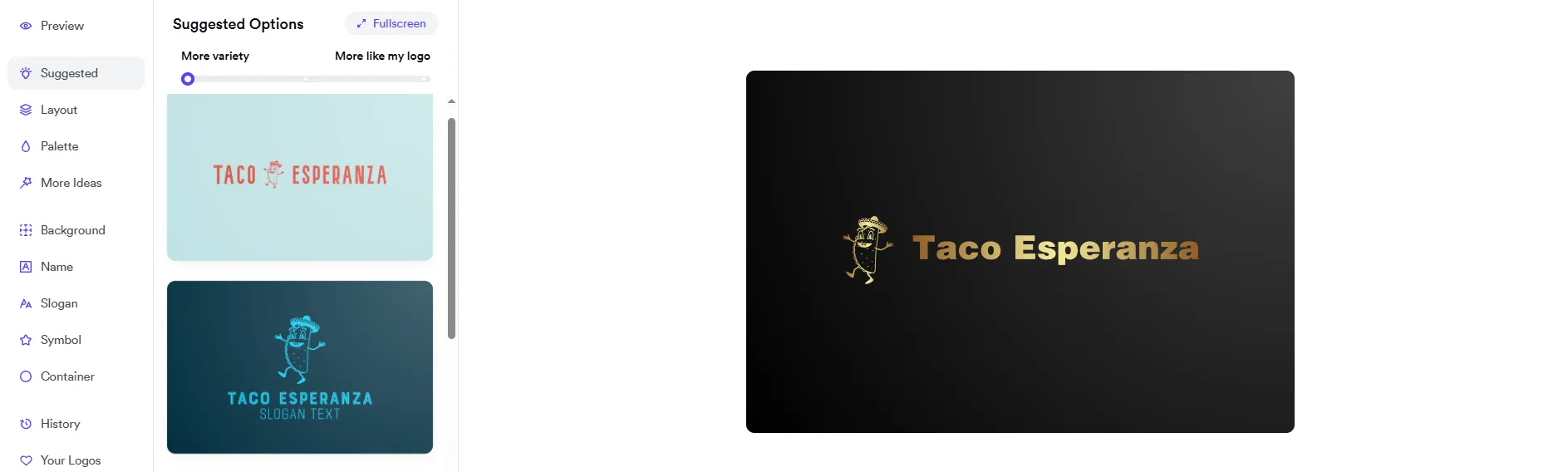
Looka is also particularly focused on what happens after the logo is created. Its Brand Kit can generate branded assets, including social media graphics, business cards, email signatures, invoices, and other materials. The platform says its Brand Kit includes more than 300 ready-to-use branded assets.
Pricing
Looka lets you create, edit, and save logos for free, but you need to purchase a package to download and use the finished logo. It offers two one-time logo packages and two annual Brand Kit subscriptions.
- Basic Logo Package: $20 one-time. Includes one 1000 × 1000 PNG logo file. This is the lowest-cost option for businesses that only need a basic digital logo.
- Premium Logo Package: $65 one-time. Includes high-resolution PNG, SVG, EPS, and PDF files, multiple color variations, transparent-background versions, unlimited post-purchase changes, full ownership, and lifetime technical support.
- Brand Kit Subscription: $96/year. Includes the premium logo files plus unlimited logo changes, social profiles and posts, business cards, email signatures, letterheads, invoices, brand guidelines, and more than 300 ready-to-use branded assets.
- Brand Kit Web Subscription: $129/year. Includes everything in the Brand Kit plan plus an AI-generated website with hosting and design tools.
Which Tool Is Best for Small Business Owners?
All five tools can help small business owners create a logo, but Design.com is the strongest overall choice for a business looking to build its brand identity.
The main reason is flexibility. A business needs a logo that looks good on its website and social media profiles, and that also works across other materials as the business grows. Design.com makes it possible to generate multiple logo directions, customize the design, and refine it using AI-powered editing tools.
It also gives businesses access to more than 50 additional design tools, allowing the same visual identity to carry into social media graphics, websites, business cards, letterheads, and other branded materials.
That is useful for a business like Taco Esperanza. Its logo can become the foundation for the restaurant’s social media presence, website, promotional materials, and other customer touchpoints.
Conclusion
A good logo helps small businesses establish a recognizable identity. It should reflect the business, make a positive first impression, and work across the different places where customers encounter the brand.
AI logo generators make it easier to explore design ideas without needing professional design skills. The right tool can provide multiple concepts, let you customize the design, and help you create other branded materials that match your logo.
For small business owners, the best choice depends on their needs and budget. Whether you’re launching a new business or refreshing an existing brand, look for a tool that offers the right balance of design quality, customization, and useful branding features.