
Best AI Image Generators in 2026: Which Tool Is Right for You?
AI image generators have made it much easier to create visuals without searching through stock libraries or starting from scratch in a design editor. A short description can now produce everything from marketing graphics and website imagery to creative concepts and social media visuals.
But the tools are not all built for the same purpose. Some are designed to fit into a broader design platform, while others focus heavily on image generation or creative production.
In this guide, we compare four of the best AI Image Generators in 2026: Design.com, Canva, Wix, and Artlist. We’ll use the same prompt with each tool to see how they approach the same creative brief.
Quick Comparison
Refer to the table below for a quick comparison of the tools:
| AI Image Generator | Best For | Free Option | Main Strength |
| Design.com | Businesses and marketers | Yes | Easy image generation with tools for turning visuals into finished designs |
| Canva | Social media and content creation | Yes | AI image generation combined with a full design editor |
| Wix | Website visuals | Yes | Generate and edit images directly inside a website-building workflow |
| Artlist.io | Professional creative production | Free generation available | AI images alongside video, music, voiceover, and other creative tools |
Choose Design.com if…
You want a straightforward AI image generator that lets you turn a written idea into a usable visual without requiring advanced design skills. It is particularly useful for businesses that need images for websites, social media, advertising, presentations, and other marketing materials.
Choose Canva if…
You already use Canva for your content and want AI image generation built into the same workflow. You can generate an image, then continue editing it alongside your other designs. Canva’s AI image generator lets you control the style and aspect ratio and regenerate results as needed.
Choose Wix if…
Your main goal is to create visuals for a website. Wix’s AI image tools work directly inside its editor, so you can generate images, adjust them, and use them within your site without switching between different platforms.
Choose Artlist if…
You need more than images. Artlist combines AI image generation with video, music, voiceover, and other creative tools, making it a better fit for creators producing larger multimedia projects.
4 Best AI Image Generator Tools
For a fair comparison, we’ll use the same prompt with every tool:
A modern coffee shop with ambient lighting and plants. There are people inside the coffee shop chilling, working, enjoying a cup of coffee while it’s raining outside.
This prompt gives each generator several things to handle at once, including readable text, lighting, atmosphere, materials, and a specific setting. It also makes it easier to compare how each platform interprets the same request.
1. Design.com: Best AI Image Generator for Businesses
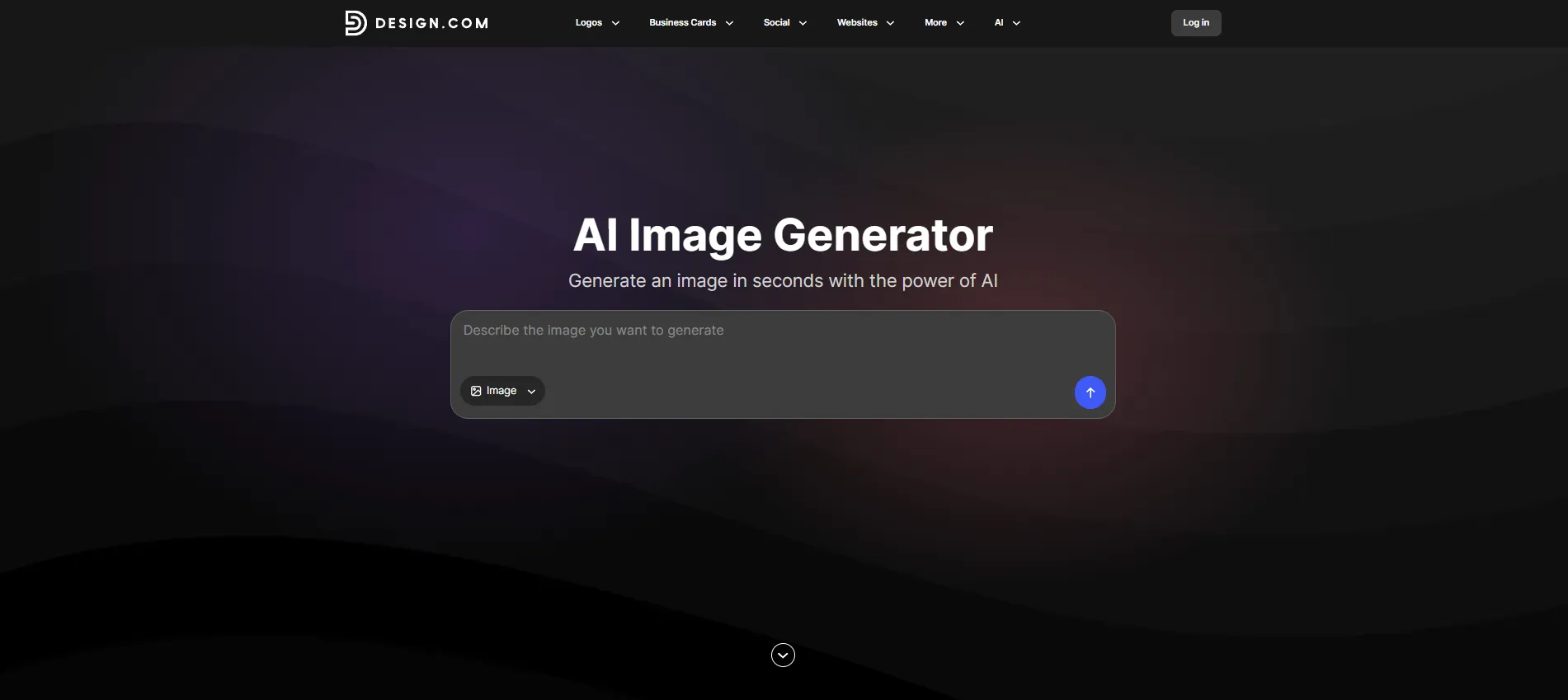
Design.com AI Image Generator lets you turn a written description into an image in seconds. The process is simple: enter your prompt, generate several options, choose a result, and refine the prompt if you want to try another direction.
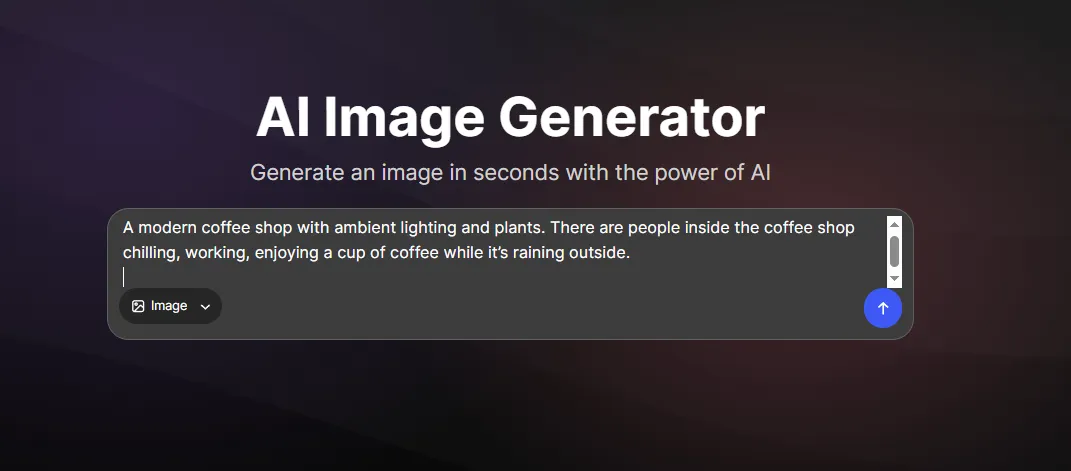
You can describe the subject, setting, colors, lighting, and overall mood in natural language without having to learn a complicated image-generation interface.
After entering the prompt, here’s what we got:
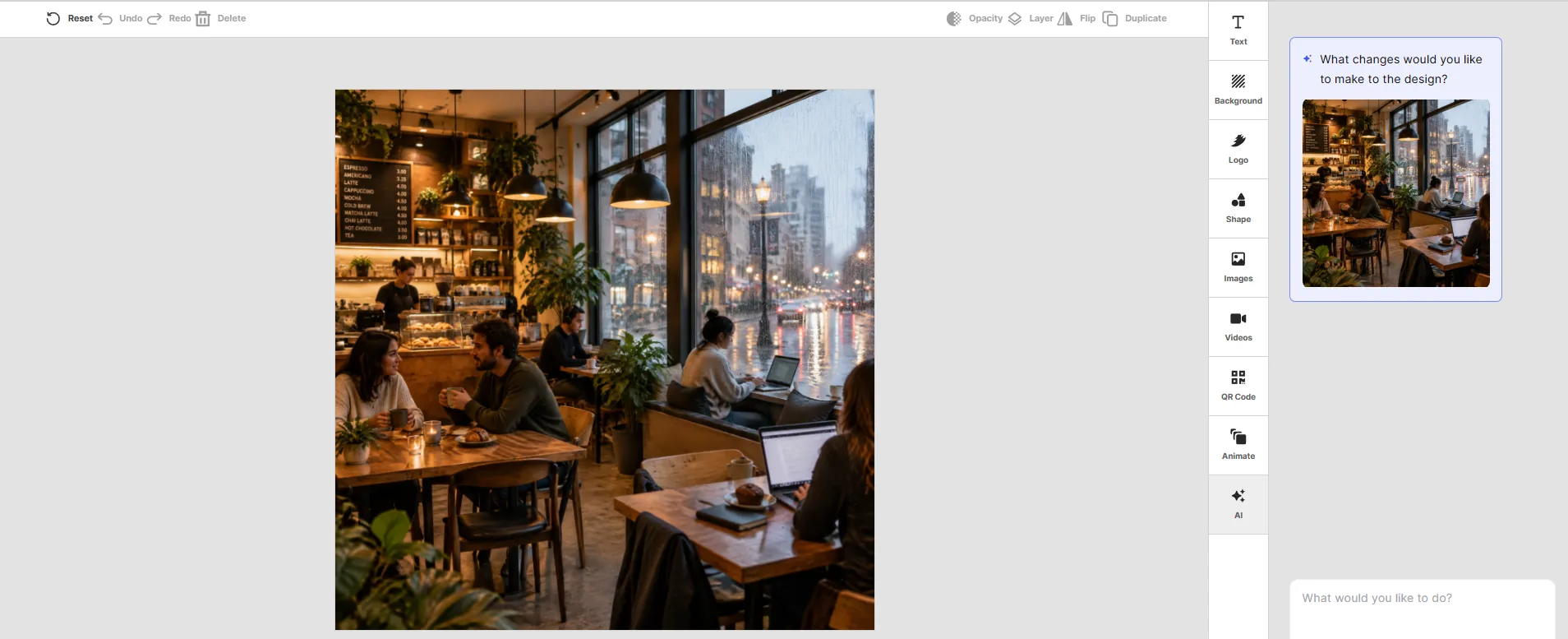
Design.com handled our prompt well, producing an image that matched the key details we requested. The result captures the modern cafe setting, with ambient lighting, plants, and people. It also clearly showed that people were doing different things inside the coffee shop while it was raining outside.
The overall look feels polished and ready to use rather than like a rough concept that needs extensive editing.
Another advantage is that the image generator is part of Design.com’s wider design platform. Once you have an image you like, you can continue creating instead of stopping at the generated result. Use your visuals alongside your logo design, brand colors, fonts, and other brand elements to create social media graphics, marketing materials, website visuals, and more.
Key features
- Powerful AI image generation: Turn a written idea into a unique image in seconds.
- Multiple image options: Generate several results from the same prompt and explore different creative directions.
- High-quality visuals: Create polished images suited to digital, social, marketing, and creative projects.
- Easy prompting: Describe what you want in everyday language without needing advanced AI or design skills.
- Creative control: Adjust your prompt to control details such as the subject, setting, mood, composition, and colors.
- Wide range of styles: Experiment with different aesthetics and visual approaches to find the right look.
- Built for business content: Create visuals for websites, social media, advertising, presentations, flyers, posters, and more.
- Part of Design.com: Continue working with your generated images using Design.com’s wider collection of design tools and templates.
- Branded designs: Combine generated imagery with your logo, brand colors, fonts, and other brand elements for a consistent brand identity.
- Fast experimentation: Generate new concepts quickly without starting from a blank canvas.
Pricing
Design.com’s AI Image Generator is available on its Free plan for $0 and includes AI generation, customization, high-resolution PNG/JPG downloads, EPS/SVG/PDF vector files, commercial use, and no watermark.
For users who need more from the platform, the Starter plan starts at $3/month when billed annually. The Value plan costs $4/month, while the Premium plan costs $5/month. Monthly pricing is $9 for Starter, $14 for Value, and $19 for Premium.
Best for: Small businesses, marketers, entrepreneurs, and creators who want to generate custom images quickly and then use them in broader branded and marketing designs.
2. Canva: Best for AI Images and Everyday Content Design
Canva takes a slightly different approach. Its AI image generator is built into a much larger design platform, so image generation is only one part of the workflow.
You can enter a prompt, select a visual style and aspect ratio, generate an image, and then continue editing it within Canva.
For this test, we used the same prompt as Design.com:
Here’s what we got: Canva created a warm, modern coffee shop scene with ambient lighting, greenery, and people sitting inside. The image captures the relaxed atmosphere from the prompt, with customers working, chatting, and enjoying their coffee while rain creates a cozy setting outside.
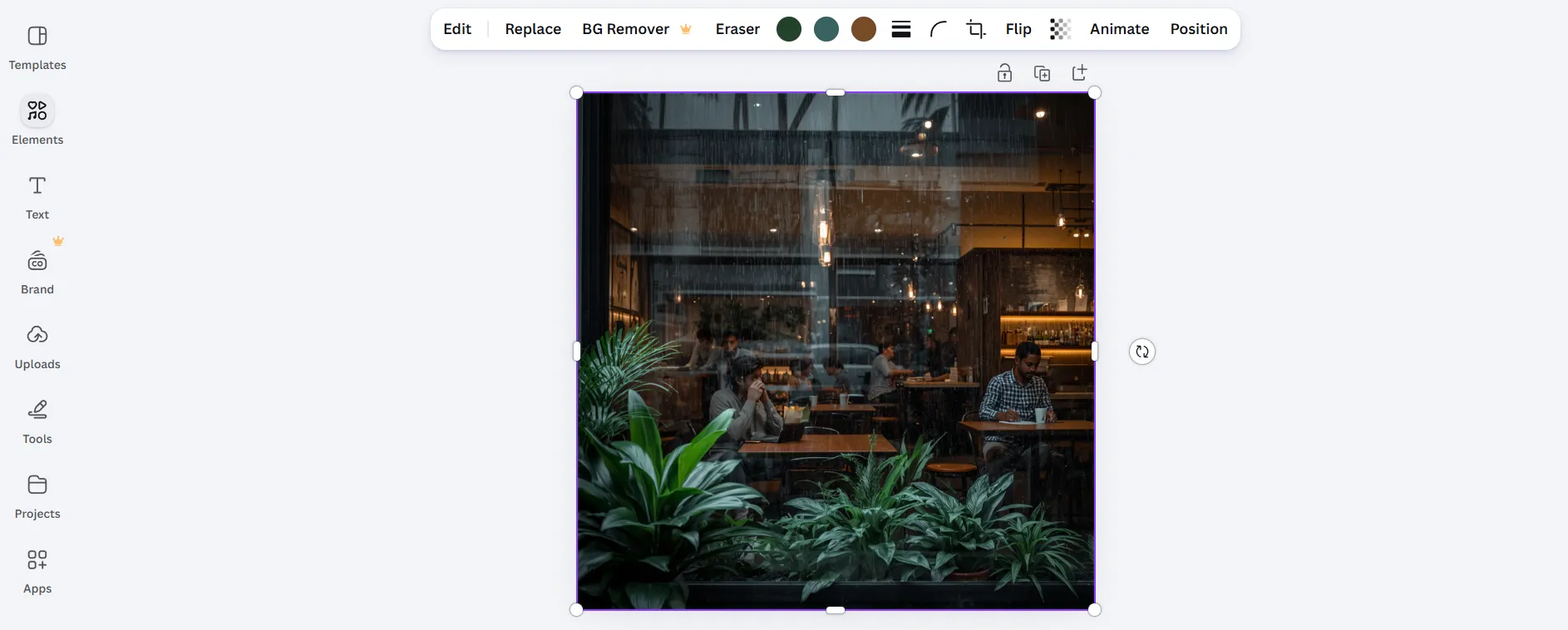
You can also experiment with different styles and aspect ratios, then continue editing the result using Canva’s wider collection of design and AI tools.
Key features
- Text-to-image generation: Create images from written descriptions.
- Style options: Experiment with different visual styles and creative directions.
- Multiple results: Generate different versions of the same idea and choose the one you prefer.
- Built-in design editor: Add generated images directly to Canva designs.
- Content creation: Use AI-generated visuals in social posts, presentations, flyers, ads, and other marketing materials.
- AI-powered editing: Continue refining generated images with Canva’s editing and AI tools.
- Large asset library: Combine AI-generated images with Canva’s templates, graphics, fonts, and other design elements.
Pricing
Canva has a Free plan at $0, which includes its core design tools and limited AI usage. Canva Pro starts at $15/month for an individual subscription and offers higher AI usage limits, premium content, and additional features. Canva also offers business-focused plans with additional collaboration and AI capabilities.
Best for: Creators, marketers, and businesses that want to generate images and turn them into finished designs on the same platform.
3. Wix: Best for Website Visuals
We then used the same coffee shop prompt in Wix to see how it would interpret the scene.
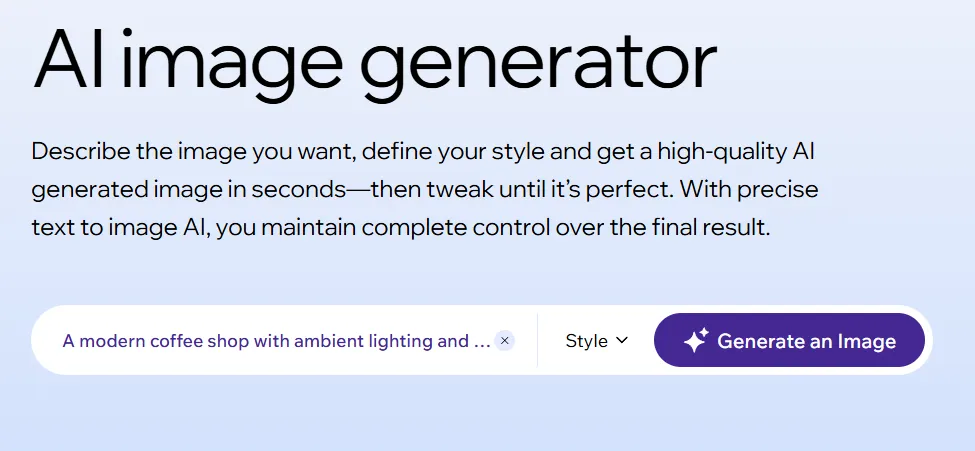
Here’s what we got: Wix generated a modern coffee shop interior with warm lighting, plants, and people spending time inside. The result reflects the cozy atmosphere described in the prompt, with the rainy weather outside helping create the relaxed setting.
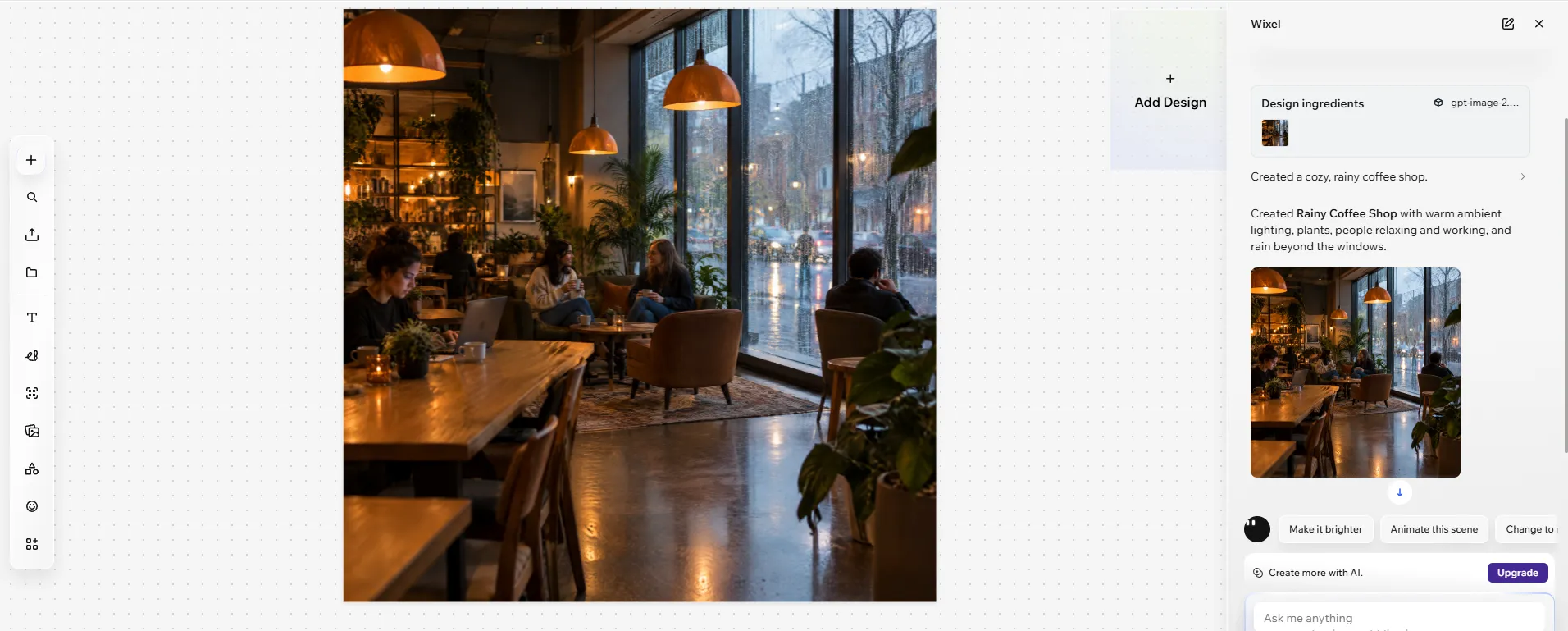
Wix’s AI image generator is built directly into its website editor. This means you can generate an image and use it on your website without having to create it somewhere else first and upload it manually.
This can be particularly useful when you need custom imagery for a hero section, banner, blog post, background, or other part of a website. Wix also provides AI tools for editing and improving images after they have been generated.
Key features
- AI image generation: Create custom visuals from text prompts.
- Different visual styles: Generate images in a range of styles and approaches.
- Website integration: Add generated images directly to your Wix website.
- AI image editing: Refine images within the Wix editor.
- Background removal: Remove backgrounds when you need a cleaner visual.
- Image enhancement: Improve image quality for use on your website.
- Website-focused workflow: Create visuals for banners, hero sections, blog content, backgrounds, and more.
Pricing
Wix offers a free plan that lets you create a website, although some features, including a custom domain and additional business capabilities, require a paid plan.
Paid plans start with Light at $17/month, followed by Core at $29/month, Business at $39/month, and Business Elite at $159/month when billed annually. Light is aimed at basic websites, while Core adds payment and eCommerce features, Business provides more storage and business tools, and Business Elite is designed for larger websites and businesses
Best for: Website owners and businesses that want to generate custom images directly within their website-building workflow.
4. Artlist: Best for AI-Powered Creative Production
Artlist is a creative platform that combines AI image and video generation with a wide library of music, sound effects, footage, and other creative assets. Its AI tools are designed for creators and businesses that need to produce a wide range of visual and audio content, making it more than just an AI image generator.
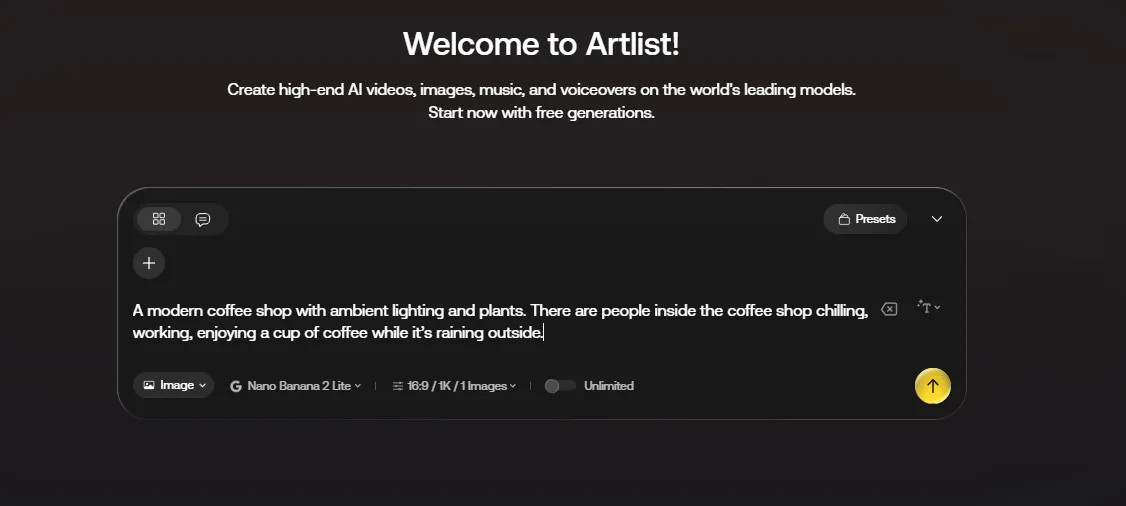
Here’s what we got: Artlist produced a polished coffee shop scene with a cinematic feel. The generated image captures warm interior lighting, plants, people relaxing and working, and the rainy conditions outside, creating an atmosphere that works well for creative and commercial projects.
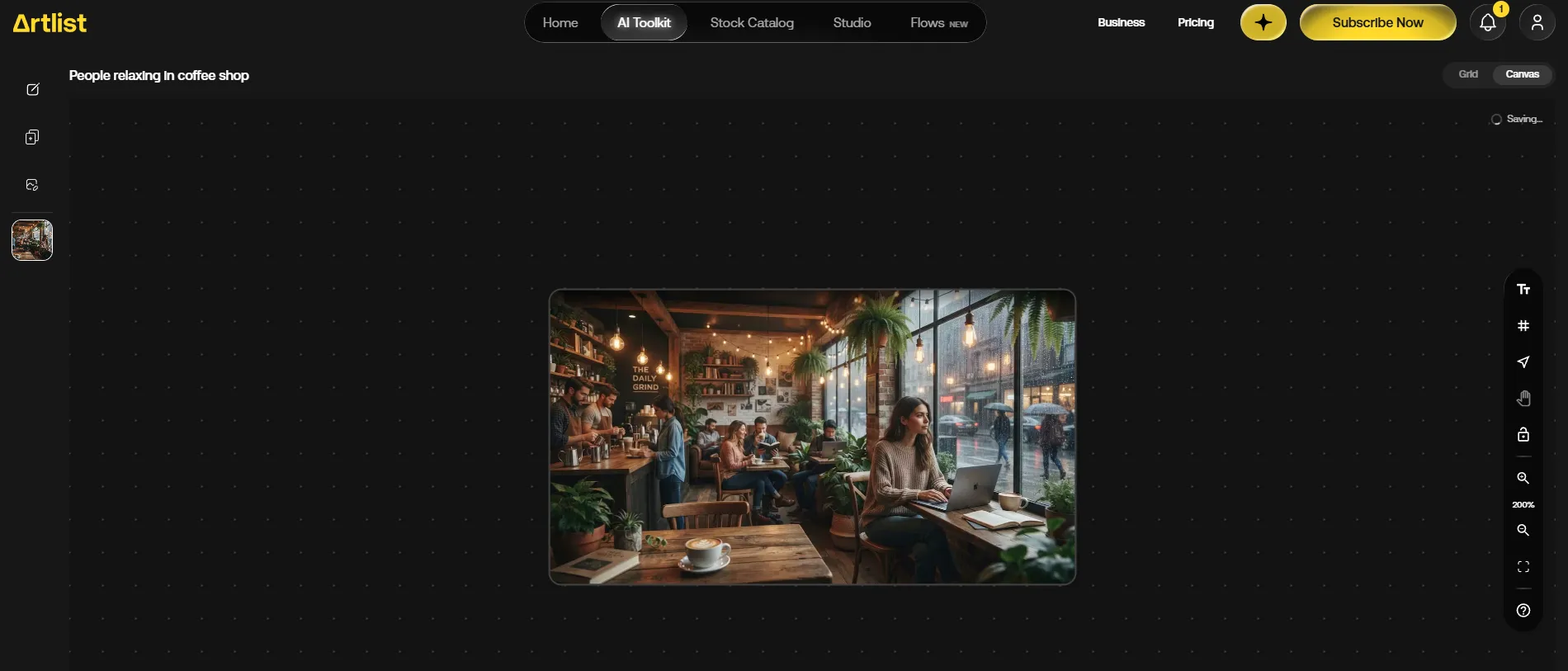
Artlist is different from the other tools on this list because AI image generation is part of a much larger creative platform. Alongside images, you can use Artlist for AI video, music, voiceovers, and other creative assets.
The platform also supports reference images, giving you another way to influence the direction of your generations when a text prompt alone isn’t enough.
Key features
- AI image generation: Turn detailed text prompts into original visuals.
- Multiple AI models: Access different generative models through one platform.
- Reference images: Use existing images to guide the visual direction.
- AI video: Generate video content alongside still images.
- AI music and voiceover: Create additional assets for multimedia projects.
- Commercial licensing: Paid plans include commercial usage rights for generated assets.
- Creative asset library: Combine AI-generated content with Artlist’s music, footage, sound effects, and other resources.
Pricing
Artlist’s AI plans start at $19.99/month for the AI Starter plan, or $11.99/month when billed annually. AI Core costs $39.99/month, or $23.99/month annually, while AI Creator costs $69.99/month, or $41.67/month annually. Higher-tier plans are available for professional and business use.
Best for: Creators, marketers, agencies, and production teams that need AI images alongside video, music, voiceovers, and other creative assets.
Which Is Best for Your Business?
The best AI image generator depends on what you actually need to do with the images.
| If you need… | Best choice |
| Easy AI Image generation for business content | Design.com |
| AI images plus everyday graphic design | Canva |
| Images specifically for a website | Wix |
| Images, video, music, and voiceover | Artlist |
| Highly creative and stylized imagery | Design.com |
Design.com is the best overall choice for businesses
For most small businesses, Design.com is the strongest all-around option because it keeps the image-generation process simple while connecting it to a broader set of design tools.
You can start with a basic idea, generate several visual directions, refine your prompt, and then use the resulting image as part of a larger marketing design. That is useful when the goal isn’t simply to make an impressive AI image, but to actually put that image to work.
Conclusion
AI image generators have moved well beyond simple text-to-picture experiments. In 2026, better tools are becoming part of larger creative workflows, helping businesses and creators generate visuals for websites, social media, advertising, presentations, videos, and other content.
The right choice ultimately depends on what happens after the image is generated. Canva and Wix make sense when you already work within their respective design ecosystems; Artlist is useful for broader creative production; and Midjourney is a strong choice for visual experimentation.
For businesses that want a simple way to generate images and turn those visuals into usable marketing content, Design.com stands out as the best overall AI image generator on this list.
The best AI image generator is the one that gets you from an idea to a usable visual with the least friction.