
Best Instagram Automation Tools for Scheduling and DMs in 2026
Posting on Instagram is easy for a week. Keeping it up for months while running the business the account promotes is where most small brands and solo marketers fall behind, and the content calendar is the first thing to slip when work gets busy.
Automation helps at two stages: getting posts out on a regular rhythm, and later, once posts draw comments, replying fast enough that a question under a Reel becomes a lead. Instagram decides which automation it accepts, though, and a tool that ignores its rules puts your account at risk.
In this article, we will take a look at six Instagram automation tools, what each costs and who it suits, organised around where your account is today. Blotato comes first because an AI assistant working through it can keep your posting calendar full and answer commenters by DM, followed by two DM specialists and three all-in-one social platforms.
What Can You Safely Automate on Instagram?
Instagram supports automation through its official API, which Meta offers to Instagram professionals, meaning business and creator accounts. So first switch your profile to a Business or Creator account if needed, and connect any tool through Instagram’s own login screen. Then these tasks are fair game:
- Scheduling and publishing posts, Reels and carousels
- Sending a DM to someone who commented a keyword or messaged the account first
- Replying to comments and messages from a single inbox
- Pulling reach and engagement reports for your account
A few things should stay off the list, whatever a vendor promises:
- Follow/unfollow and auto-like bots. Meta’s Community Standards on spam, which apply to Instagram, do not allow posting, engaging with content or creating accounts “manually or automatically, at very high frequencies”, or trading anything for engagement such as follows.
- Bulk DMs to strangers. Messaging large numbers of people who never contacted the account is the high-frequency activity that standard describes.
- Any app that asks for your password. Instagram’s Terms of Use rule out collecting information “in an automated way without our express permission” and requesting usernames or passwords, and its security page warns that an app holding your login details can gain complete access to your account.
Also Read: Best Social Media Management Tools
6 Best Instagram Automation Tools for Posting and DMs
For each tool below, we list the key features, the pricing plans and the kind of account owner it suits. Prices come from each vendor’s pricing page in October 2026, in US dollars.
Blotato: Hand Your Posts and Comment Replies to ChatGPT or Claude
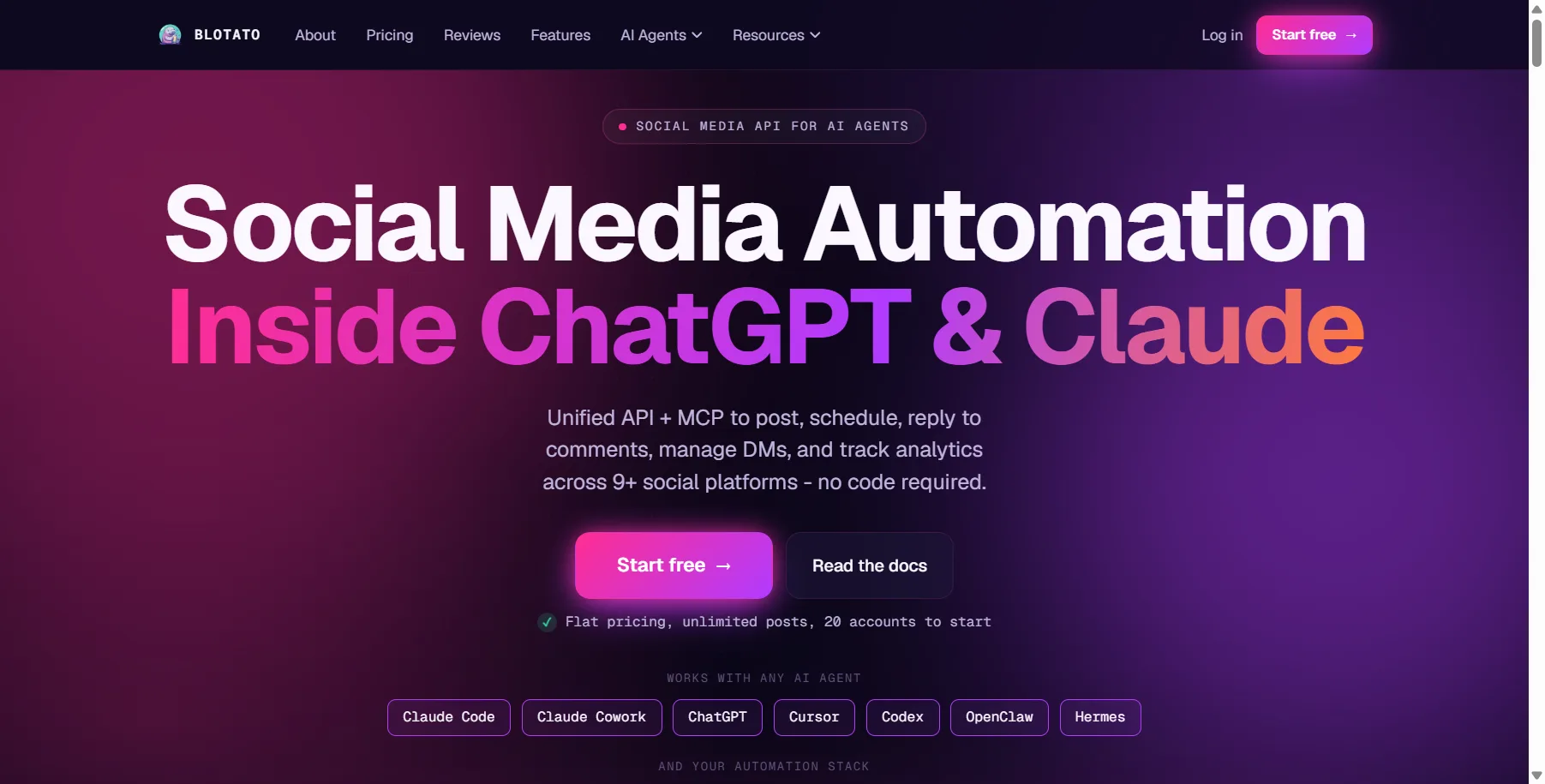
Blotato is a social media API built for AI agents like ChatGPT and Claude. Publishing reaches nine networks (Instagram, Facebook, TikTok, YouTube, LinkedIn, X, Threads, Bluesky and Pinterest), and its DM automation works on Instagram and on Facebook Pages. You can use it in the web app, through the MCP server Blotato hosts, or with its REST API.
For someone marketing their own brand, the assistant you already talk to can take over the routine work. Connected over MCP, it can queue next week’s Reels with blotato_create_post, attach a comment trigger with blotato_create_automation, and later read the automation’s runs and the posts’ analytics (available on 8 networks, LinkedIn excluded) to tell you what worked. Note that Instagram comment triggers only fire on posts your connected account owns, not collaborator posts.
Key Features:
- Scheduling across all nine networks, with up to 200 queued posts on Starter
- DM automations triggered by a comment, a message or both, with optional keywords
- One DM per run by default (640 characters maximum) carrying no more than three link buttons, plus an optional email gate and webhook
- MCP tools for posts, automations, run logs and post analytics, which cover every network except LinkedIn
- Instagram connects through Instagram Login for Business or Creator accounts
Pricing Plans:
- Starter at $29/month: 20 accounts, 1,000 monthly active contacts
- Creator at $97/month: 40 accounts, 6,000 monthly active contacts
- Agency at $499/month: 100 accounts, 15,000 monthly active contacts
- Each plan’s seven-day trial covers all features except the API, and the MCP server also waits for the paid subscription
- There are no seat fees on any plan
Blotato is our top pick for solo marketers and small businesses who want ChatGPT or Claude to keep Instagram posts going out and to follow up on comments by DM, although its DM automation is limited to Facebook and Instagram and answers people who engage first rather than sending cold outreach, so TikTok or WhatsApp conversations need another tool.
Manychat: DM Flows Across Instagram, WhatsApp and TikTok
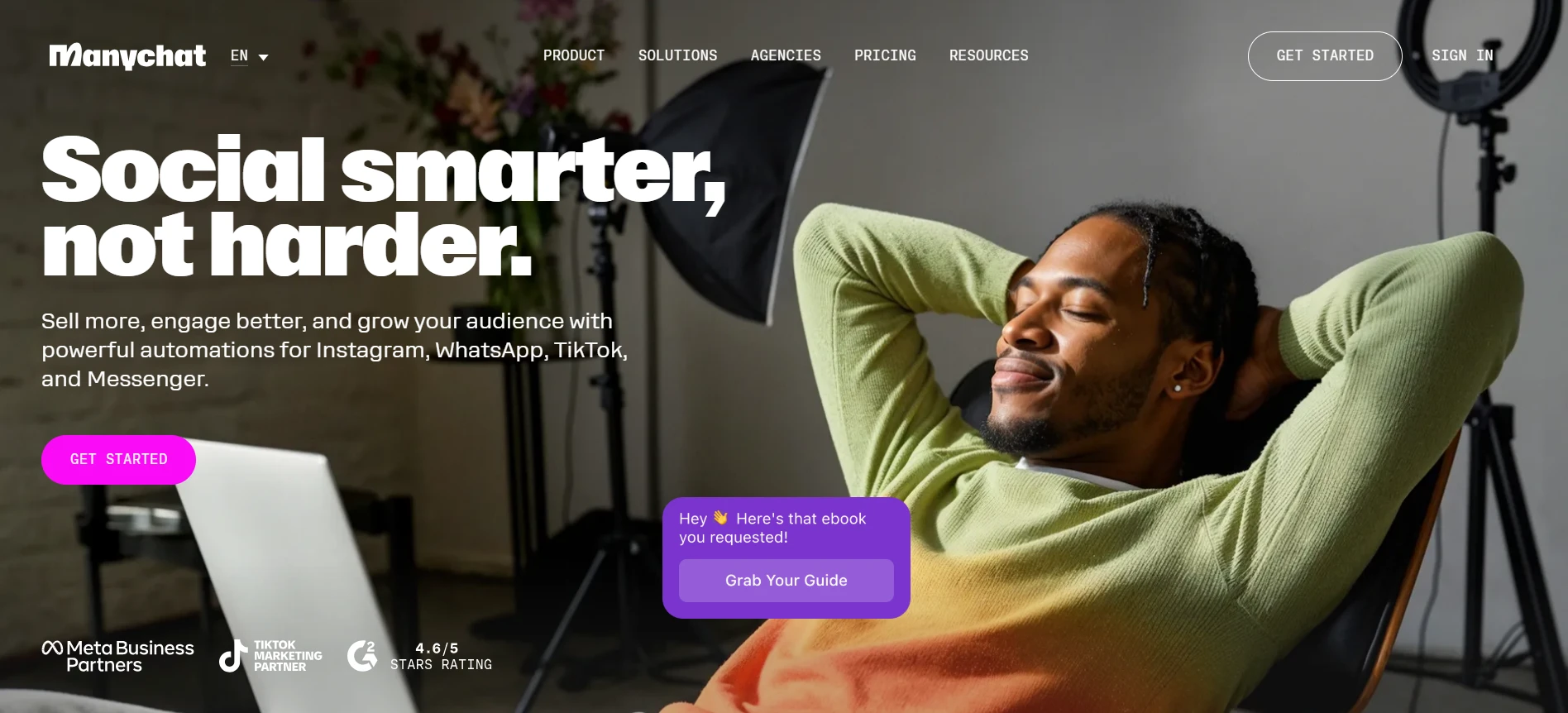
Manychat is an official Meta Business Partner that works across Instagram, WhatsApp, Messenger, TikTok, Telegram, email and SMS. Its Quick Automations and Flow Builder reply to comments, greet new followers and share links in DMs, and from Pro its AI answers DMs and FAQs in your brand’s tone.
Each plan has a monthly active contact allowance; if a Reel takes off and you pass it, automations keep running and Manychat charges a small overage fee per extra contact, which you can cap. Agencies can also give each client a separate workspace under one main account.
Key Features:
- More than 60 templates to start from, even on Free
- Unlimited automations, contact collection and audience tags from Essential
- AI replies to DMs and positive comments from Pro
- Integrations including Google Sheets, Klaviyo, HubSpot, ChatGPT, Claude, Zapier and Make
Pricing Plans:
- Free: $0 for any two channels, up to four active automations and one user
- Essential: $168 a year (works out at $14/month), two channels and two users
- Pro: $348 a year (works out at $29/month), three channels and three users
- Business and Advanced: $69 and $139/month billed annually, covering all channels with five and ten users
- Essential and Pro can be tested free for 14 days; prices vary by billing country
Manychat suits creators and small businesses whose sales happen inside DM conversations and who want Instagram, WhatsApp and TikTok handled in the same flows.
LinkDM: Comment-to-DM for a Few Instagram Accounts
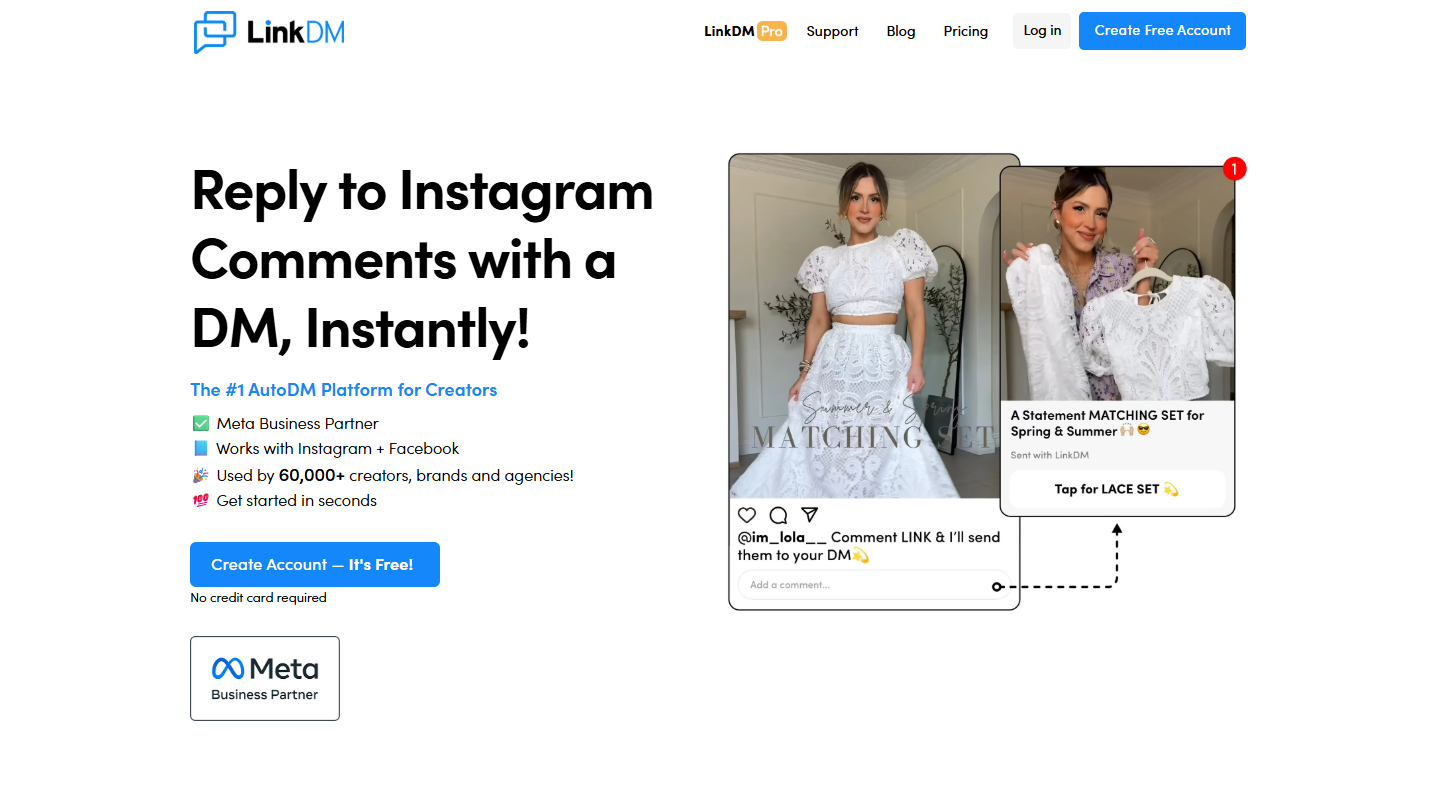
LinkDM concentrates on one job: answering Instagram activity with a DM. It covers post, Reel and ad comments, story replies and story @mentions, by keyword or for every comment, plus Facebook comments. LinkDM says it has been a certified Meta Business Partner since 2021.
Its plans are priced by how many Instagram accounts you connect: one on Free, up to three on Pro and up to ten on Platinum+, so Pro fits a main profile plus a couple of side brands, or a freelancer with a few clients. Pro also paces automations with a slow-down mode when a Reel takes off.
Key Features:
- DM replies to post, Reel and ad comments, story replies and story mentions
- Up to four conversation starters in the Instagram inbox
- Comment auto-reply, inbox automation, lead generation and reminder DMs on Pro
- Lead forms that connect to Kit and Flodesk
Pricing Plans:
- Free: one Instagram account and up to 1,000 DMs a month
- Pro: $19/month, or $182 billed yearly, for up to three accounts and 25,000 DMs a month
- Platinum+: $99/month, or $832 billed yearly, for up to ten accounts and 300,000 DMs a month
- Enterprise: custom pricing
LinkDM suits creators and small brands whose main Instagram goal is turning comments into link clicks, with a free plan for testing it on a single account first.
Also Read: AI-Powered Chatbot Tools
Hootsuite: Scheduling, a Social Inbox and DM Workflows
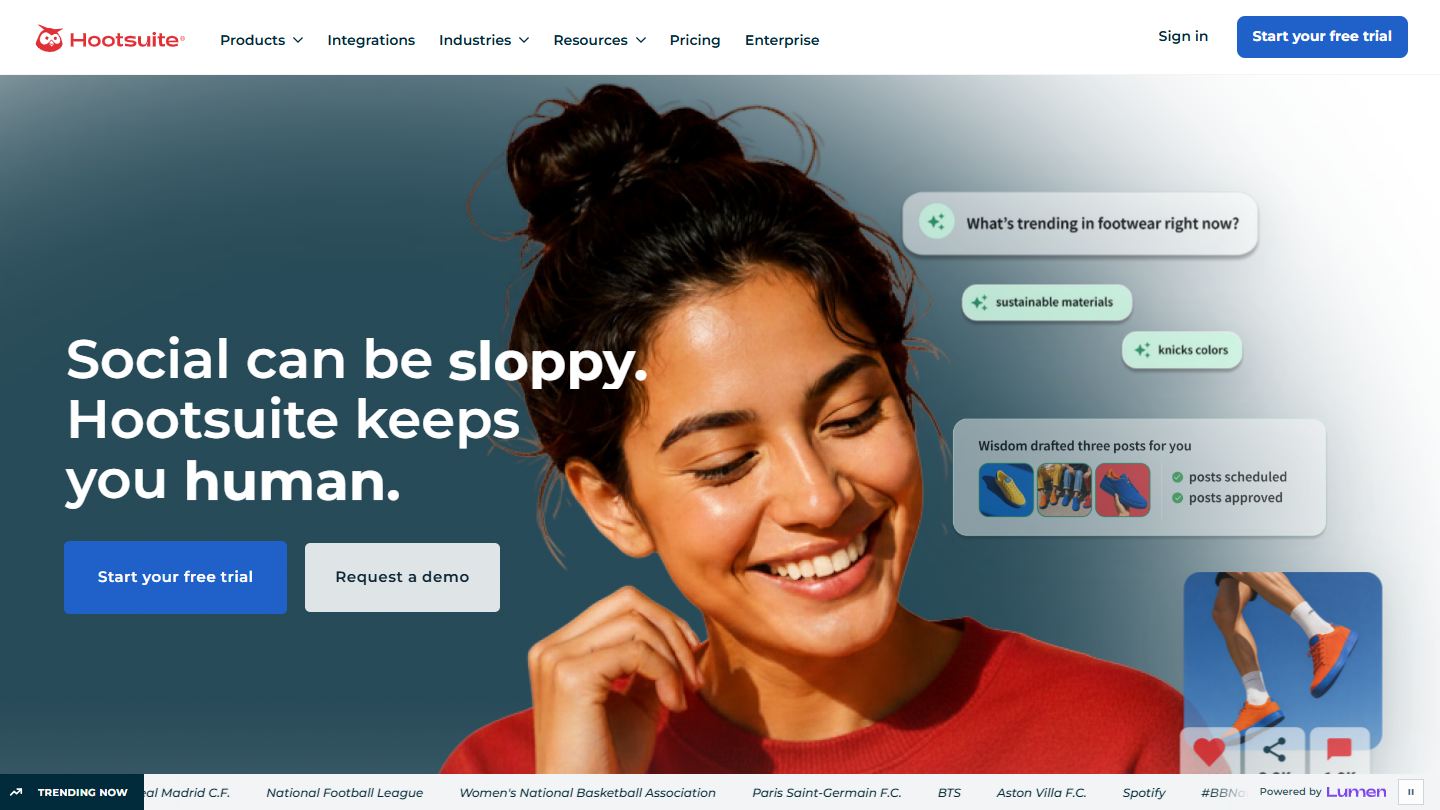
Hootsuite is built from separate products: Perch for planning and publishing, Nest for the social inbox and Wisdom, an AI assistant that comes with every plan. Perch puts Instagram, Facebook, LinkedIn, TikTok, X, YouTube and Pinterest posts on a shared calendar, and Nest gathers comments and DMs from six, WhatsApp and TikTok among them, into one inbox.
Pricing is per user, so a one-person business needs one seat. Standard covers up to 10 social accounts, and automated message responses and DM workflows start on Professional. Advanced adds approvals and message routing for teams, and agencies can organise accounts by client. Hootsuite also offers MCP servers of its own, Perch and Nest among them, for ChatGPT, Claude, Copilot and Gemini.
Key Features:
- Unlimited post scheduling from one calendar
- Wisdom, the built-in AI assistant, on every plan
- Automated inbox replies and DM workflows from Professional
- MCP servers for publishing, inbox work, listening and employee advocacy
Pricing Plans:
- Standard: $99 per user/month billed annually, for up to 10 social accounts
- Professional: $199 per user/month billed annually, with unlimited social accounts
- Advanced: $399 per user/month billed annually
- Enterprise: custom pricing
- A 14-day trial on Standard, Professional and Advanced, with daily posting limits
Hootsuite suits small businesses that want scheduling, a social inbox and DM workflows on one platform and can budget for Professional to get the messaging automation.
Sprout Social: A Smart Inbox for Busy Instagram Accounts
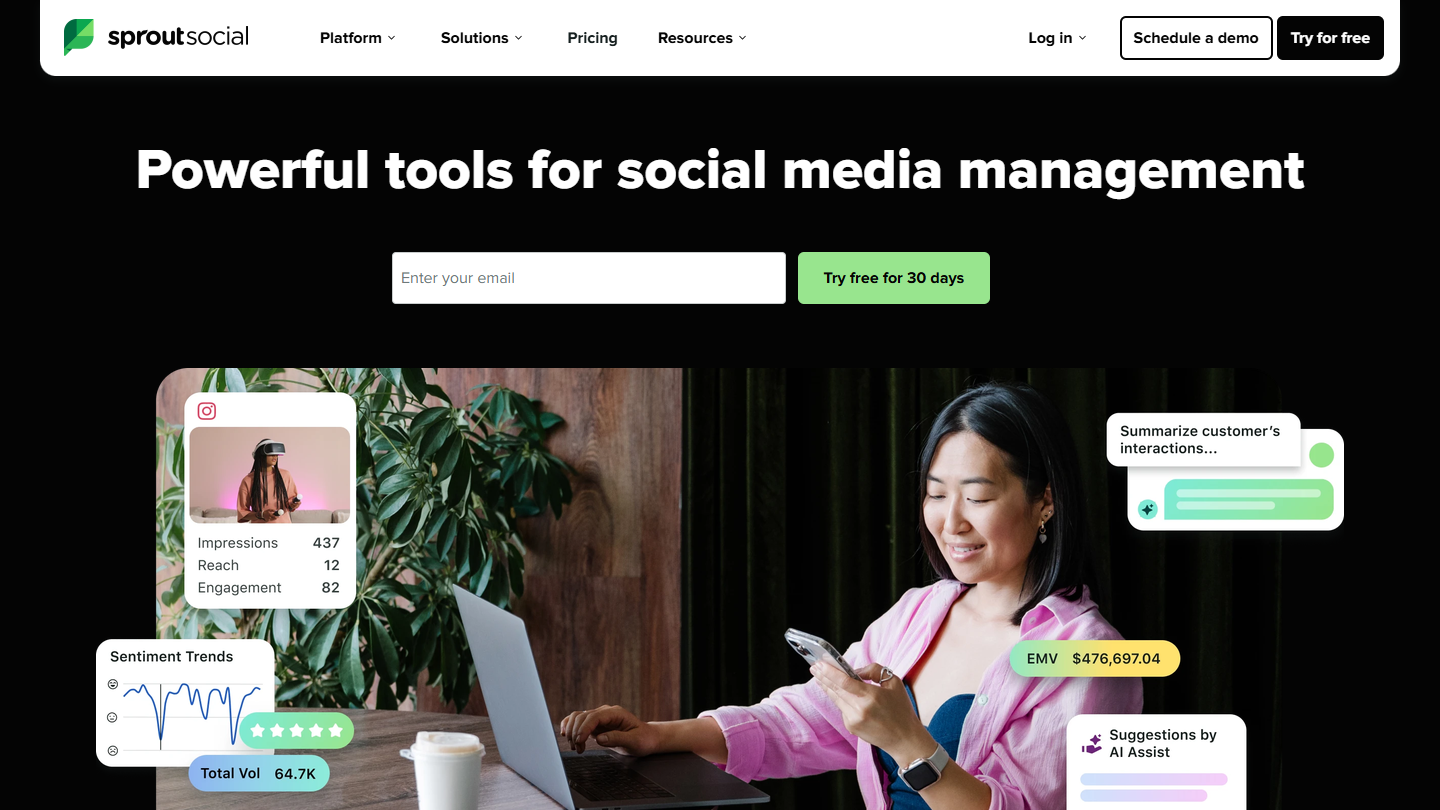
Sprout Social schedules Instagram posts, Stories and Reels from a shared content calendar and pulls comments, DMs, @mentions, story replies and media tags into its Smart Inbox. Every plan includes Trellis, its AI agent, with 100 monthly credits per seat.
Essentials covers five social profiles on one seat, so a small brand can start on the entry plan. Sprout lists its automated chatbots for Facebook and X, so its Instagram tooling centres on the Smart Inbox, where you can tag messages and assign cases. Teams and agencies can add client-specific groups and approval workflows.
Key Features:
- Instagram scheduling with optimal send times
- Smart Inbox for Instagram comments, DMs, mentions, story replies and media tags
- Tagging and case assignment for incoming messages
- Automated chatbots for Facebook and X
Pricing Plans:
- Essentials: $79 per seat/month billed annually ($99 billed monthly), 5 social profiles
- Standard: $199 per seat/month billed annually, 5 social profiles
- Professional: $299 per seat/month billed annually, unlimited profiles
- Advanced: $399 per seat/month billed annually, with Enterprise priced on request
- A 30-day free trial
Sprout Social suits small businesses that field a steady flow of customer questions on Instagram and want each conversation tagged, tracked and reported on.
Buffer: A Free Plan for Building a Posting Habit
Buffer keeps publishing simple, with a queue, a visual calendar and an AI Assistant that drafts and repurposes posts. Every plan, Free among them, includes its MCP server: an assistant such as Claude or ChatGPT writes a post, schedules it and reads back what is queued, and nothing goes out until it has passed through the Buffer queue.
Buffer’s Free plan includes three channels with up to 10 scheduled posts per channel at a time. Paid plans charge per connected channel, and the rate falls as you add more: on Essentials, channels one to ten cost $6 each per month and 11 to 25 cost $4, dropping further above that. Channel groups help anyone juggling several brands or clients.
Key Features:
- Queue, calendar and first-comment scheduling for Instagram on paid plans
- Channel groups on Essentials and Team
- MCP server and API access on every plan
Pricing Plans:
- Free: up to 3 channels and 10 scheduled posts per channel at a time
- Essentials: from $6 per channel/month for one user, cheaper per channel above ten channels
- Team: from $12 per channel/month with unlimited team members
- Yearly billing saves about two months, and paid plans include a 14-day free trial
Buffer suits solo marketers and small businesses that mainly need affordable scheduling. Its community inbox handles comment replies with AI suggestions, so keyword DM automation would run in a separate tool.
Also Read: 15 Best Scheduling Tools for Coordinated SEM Campaigns
How to Choose the Right Instagram Automation Tool for Your Brand?
Most accounts need automation in two steps, so work out which stage you are at before you shortlist.
Start with Consistent Posting
If you post on one platform and are still building the habit, you may not need a tool yet: a few months of posting by hand shows you what your audience responds to. Scheduling earns its cost once you batch a week of content or post across several networks. Buffer’s free plan is the lightest start, Hootsuite and Sprout Social add a DM inbox, and Blotato lets an AI assistant queue posts from a chat.
Add DM Automation Once Posts Get Comments
DM automation pays off when people already comment and message, because every automation needs someone to reply to. A keyword under a Reel that sends a link or an email sign-up turns that attention into a lead. Manychat adds WhatsApp, TikTok, Telegram, SMS and email to Instagram, with every channel included from Business, LinkDM is a focused comment-to-DM option with a free tier, Hootsuite adds DM workflows from Professional, and Blotato’s automation sits in the same account as your scheduled posts.
Decide Whether an AI Assistant Should Run It
If you plan content in ChatGPT or Claude, check which tools it can operate. Blotato, Buffer and Hootsuite all run MCP servers: Hootsuite splits publishing and inbox work across separate servers, and with Blotato the assistant that schedules a post can also set up the DM automation that answers its comments.
Check How Each Tool Charges
Hootsuite and Sprout Social price per user, so a business of one pays for a single seat, while Buffer charges per channel, LinkDM by accounts and DMs, Manychat by channels and contacts, and Blotato by plan with no seat fees. Here is how the six compare.
| Tool | Accounts or channels | Instagram DM automation | Starting price | Best for |
|---|---|---|---|---|
| Blotato | 20, 40 or 100 accounts | Comment and message triggers (Instagram, Facebook) | $29/month | Scheduling + DM automations for AI agents |
| Manychat | 2 or 3 channels, all from Business | Comment, follower and message flows, AI replies from Pro | Free, then $14/month billed annually | DM flows across chat channels |
| LinkDM | 1, 3 or 10 Instagram accounts | Comments, ads, story replies and mentions | Free, then $19/month | Comment-to-DM on a few handles |
| Hootsuite | 10, unlimited from Professional | Automated replies and DM workflows from Professional | $99 per user/month billed annually | Scheduling with a social inbox |
| Sprout Social | 5, unlimited from Professional | Smart Inbox replies, chatbots on Facebook and X | $79 per seat/month billed annually | Tracked inbox conversations |
| Buffer | Pay per channel, 3 on Free | Comment replies | Free, then $6 per channel/month | Free or low-cost scheduling |
Final Thoughts
Instagram automation works best in order: a schedule that keeps the account active, then DM automation once posts draw comments. Buffer is the easiest free start, Hootsuite and Sprout Social pair publishing with an inbox, and Manychat and LinkDM specialise in turning comments into conversations.
If you market your own brand and want one AI assistant to keep the calendar moving and answer commenters by DM, our top pick is Blotato, with the caveat that its DM automation runs on Facebook and Instagram alone and replies to people who engage first instead of reaching out cold, so conversations on TikTok or WhatsApp will need another tool. Whichever tool you choose, connect your account through Instagram’s official login and keep follows, likes and cold outreach in human hands.
Is Instagram DM automation safe?
It is safe when the tool uses Meta’s official API, connects through Instagram’s login screen and only messages people who commented or wrote to the account first. Manychat and LinkDM both describe themselves as Meta Business Partners. The risk comes from password-based bots and bulk messaging, which Instagram’s terms and Meta’s spam rules target.
Do I need a Business or Creator account?
Yes, for any tool that uses the official API. Meta’s Instagram API with Instagram Login is built for professional accounts, and Blotato’s help docs list messaging on a personal Instagram account as unsupported.
What is the 5-3-1 rule on Instagram?
It is an informal engagement habit, not an Instagram rule, and the definitions vary. Buffer describes it as liking five posts, commenting on three and following one account for every post you share, while Sprout Social describes daily engagement with five small, three medium and one large account in your niche. Both versions are manual community work that should not be handed to a bot.