
Design.com vs Canva vs Looka: A Comparison of Logo Makers
Design.com, Canva, and Looka are one of the popular logo maker tools in the market today. available.
All three offer beginner-friendly design tools, but they differ in how they generate logos, the amount of customization they allow, the logo files they give you, and branding features included with their plans.
So which one should you choose between Design.com vs Canva vs Looka? The answer is Design.com, as it is the best logo maker that balances design quality, variety, ease of use, and overall value for its price.
Want to know how we got to that answer? The comparison below looks at what each platform can do, what it does well, where its limitations lie, and which offers the best overall value.
How Design.com vs Canva vs Looka Compare
Here’s a quick overview of the main differences between Design.com, Canva, and Looka.
| Design.com | Canva | Looka | |
| How it works | Search logo templates or generate via AI | Search logo templates or generate via AI | Answer a questionnaire, AI matches with the logo on their library |
| Logo quality and variety | Best; 500,000+ professional logo templates covering popular and niche industries | Good; Large selection of polished templates in different styles | Moderate; Good and usable designs but can feel to basic and repetitive |
| AI logo generator | Accurately interprets brand personality + generates thousands of relevant logo options | Solid output, can sometimes come with AI artifacts + 4 outputs per generation | AI is used to match logos rather than generate from scratch; designs are solid but some irrelevant results can still appear |
| Editing | Flexible editor with options for granular controls + AI chat editing | Beginner-friendly editor with extensive graphics and design tools | Simple, guided editor with fewer customization options |
| Free logos | Large selection of free logos; all assets and file format available even on free plan | Limited free logos, free plan also limits the assets and editor features you can use | Free to edit and preview, but download require payment |
| Best for | Professional, on-brand logos and complete business branding | Flexible, all-purpose design | Beginners who prefer a guided logo-making process |
While the other two tools are generally solid, Design.com still comes out as the #1 as it offers the best logo designs, the most on-brand results, and an overall more seamless logo editing experience.
Design.com
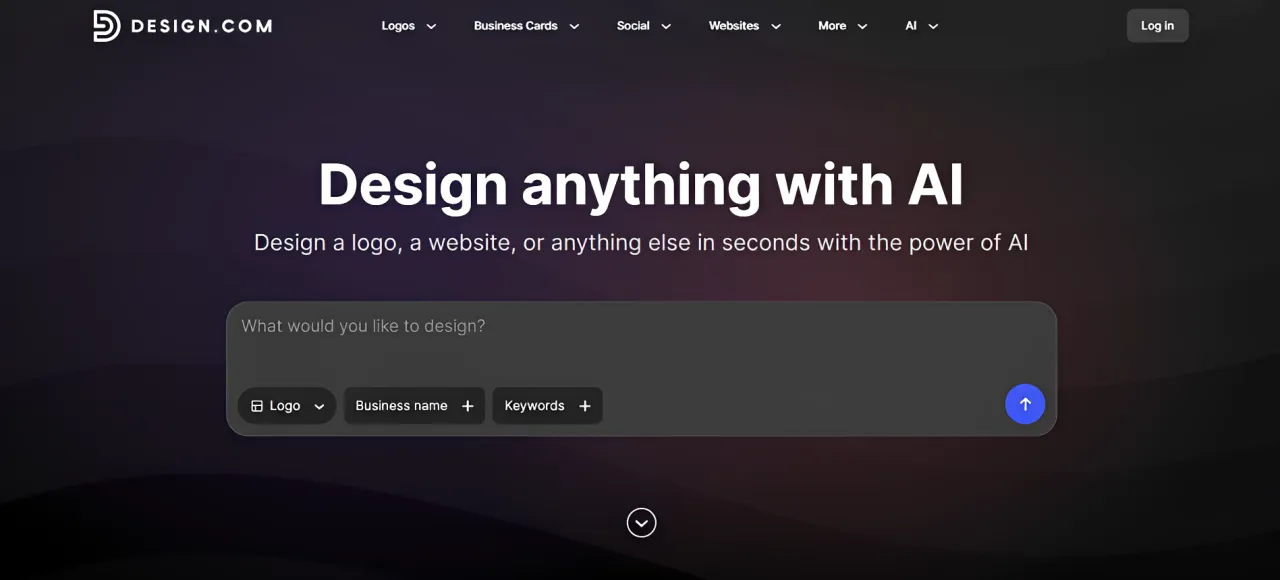
Design.com is the best logo design tool for startups and businesses that want an easy way to get high-quality and professional logos that suit their particular brand.
Rather than simply giving users a collection of plain or generic templates, it focuses on giving their users relevant and tailored designs. This means users don’t have to waste time editing a template just to make them fit their needs. They just need to search for a logo, find the one they like the most, and download the logo. It’s truly one of the easiest and hassle-free logo creation experiences available.
How the Logo Maker Works
Design.com offers two main ways to create a logo: searching its template library or using its AI logo maker.
If you already have a particular style in mind, you can browse logo categories or search for designs using relevant keywords. For example, you might search for minimalist bakery logos, vintage barbershop logos, or modern technology logos.
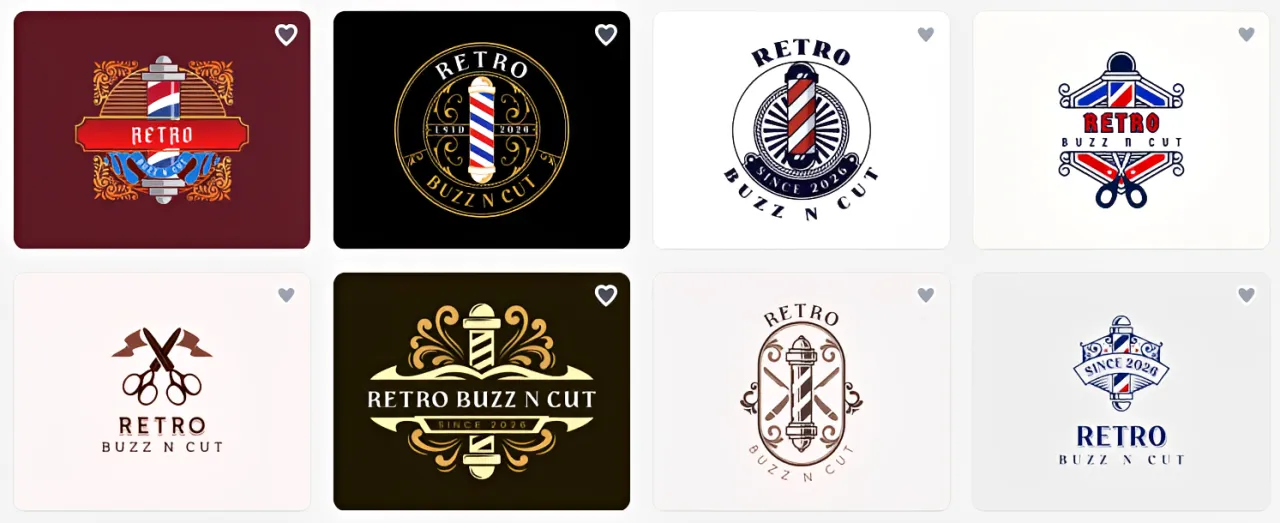
Alternatively, you can use the AI logo maker by entering your business details and keywords describing the type of brand you want to create.
Both approaches are straightforward, and you can move directly into customizing a design once you find something suitable.
The advantage here is flexibility. You aren’t limited to answering a questionnaire or writing a detailed prompt. You can start with whichever method feels more comfortable.
Logo Quality and Variety
The sheer amount and variety of logos is one of Design.com’s biggest strengths. The logo maker has more than 500,000 templates, one of the largest in the market. These templates cover both popular industries and more specialized businesses, ensuring anyone can find what they need.
For instance, someone opening a Japanese shaved ice shop can find designs specifically associated with kakigori rather than relying on generic ice cream or popsicle logos. They can also explore different styles, from traditional Japanese-inspired designs to more playful, modern concepts.
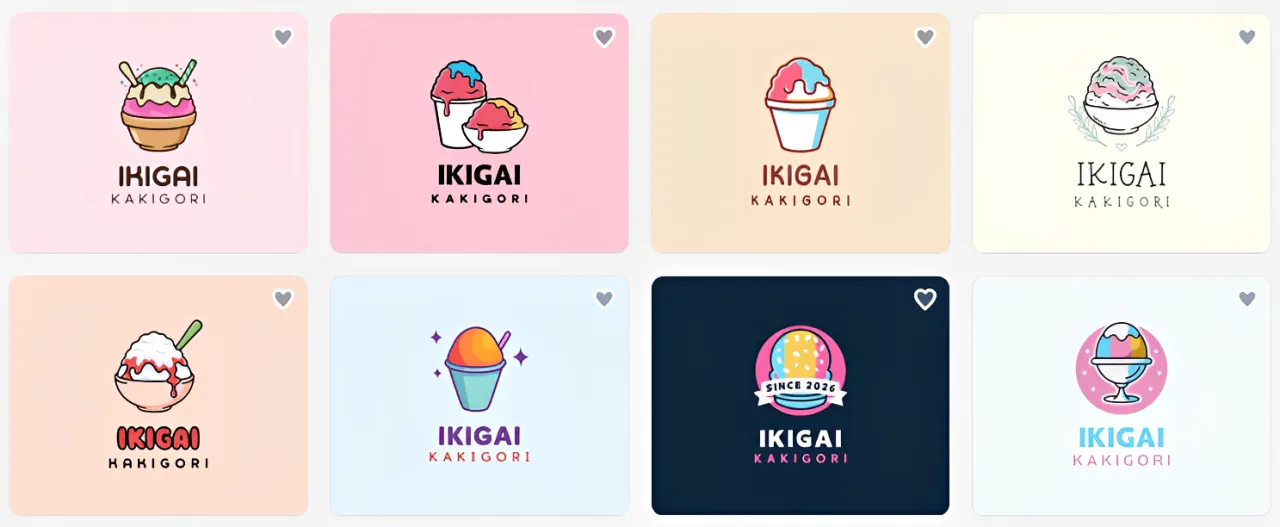
This level of specificity is useful because businesses within the same industry don’t necessarily want to communicate the same personality. And thankfully, Design.com provides enough variety to accommodate those differences.
The designs themselves are generally balanced, polished, and high-quality. The logos are good to go right from the start, and don’t really need much editing.
Another advantage is its exclusive design assets. Design.com offers more than 750 fonts, including over 525 exclusive fonts, alongside more than 62,000 custom vector shapes. These give users additional ways to personalize their logos without relying entirely on commonly available stock graphics.
AI Logo Generator Quality
Design.com’s AI logo maker is particularly effective at interpreting brand personality alongside business details.
For example, imagine you’re creating a logo for a tea company that wants to appear all-natural and slightly luxurious.
A basic AI generator might focus primarily on the word “tea” and produce cups, teapots, or tea leaves.
Design.com can take the additional personality requirements into account, suggesting botanical illustrations, restrained color palettes, elegant typography, and other visual choices that communicate a more premium identity. This ability to interpret multiple requirements together is what makes the AI useful for businesses with a specific brand direction.
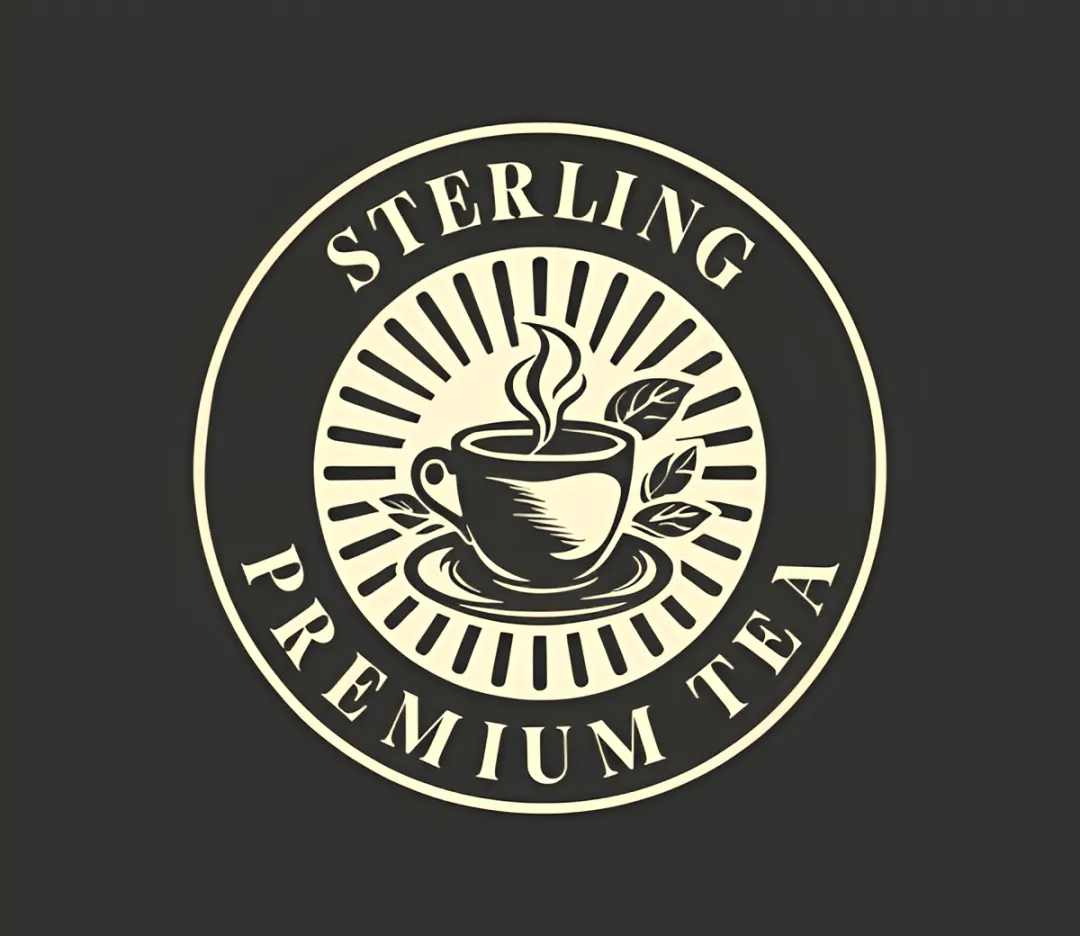
The generator also produces thousands of logo options, giving users plenty of different concepts to explore. This is particularly notable since most tools can only give out to four designs per generation.
All AI logos are also editable per element, unlike other platforms that flatten the image into a single layer. This means you can change the colors, text, or icons without needing to regenerate the entire design.
Design.com also avoids typical AI artifacts such as distorted graphics or misspelled text, which means you can use the designs as is and not worry about editing.
Ease of Editing
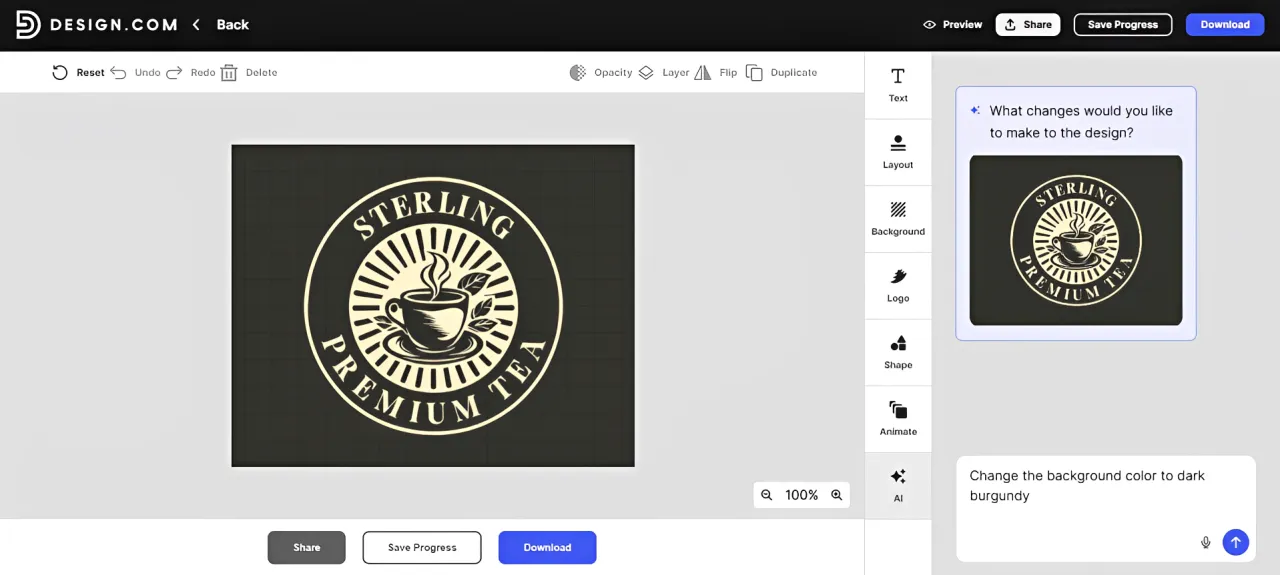
Design.com uses a beginner-friendly drag-and-drop editor.
You can change individual elements, including fonts, icons, colors, layouts, and backgrounds, just by simply clicking or dragging the element. Users can also do more granular edits like adjusting letter spacing, adding curved text, or changing the blend of the gradient. These controls are useful when a design is already close to what you want but needs a few precise adjustments.
The standout feature, however, is its AI chat editor.
Instead of manually doing edits, you can just describe the changes you want. For example, you could request a softer color palette, more playful typography, or additional decorative elements around an existing icon. The AI can apply those changes while taking the overall composition into account. This makes editing particularly approachable for users who aren’t familiar with design software. You can make specific adjustments without needing to understand every technical control.
Pricing
Design.com offers both free and premium logo templates.
Free logos can be customized and downloaded without payment and without watermarks. You also get hi-res formats of PNG, JPG, SVG, EPS, and PDF.
The platform’s logo fonts, icons, and other design assets are also available to free users.
However, premium logo templates require a paid plan. The prices are:
| Plan | Annual Billing | Monthly Billing |
| Free | $0 | $0 |
| Starter | $3/month | $9/month |
| Value | $4/month | $14/month |
| Premium | $5/month | $19/month |
Paid plans provide access to premium designs and additional features.
Design.com also includes tools for creating business cards, websites, social media graphics, and other marketing materials. Its Brand Kit can carry your logo’s visual identity into these assets, making it easier to maintain consistent branding.
Canva
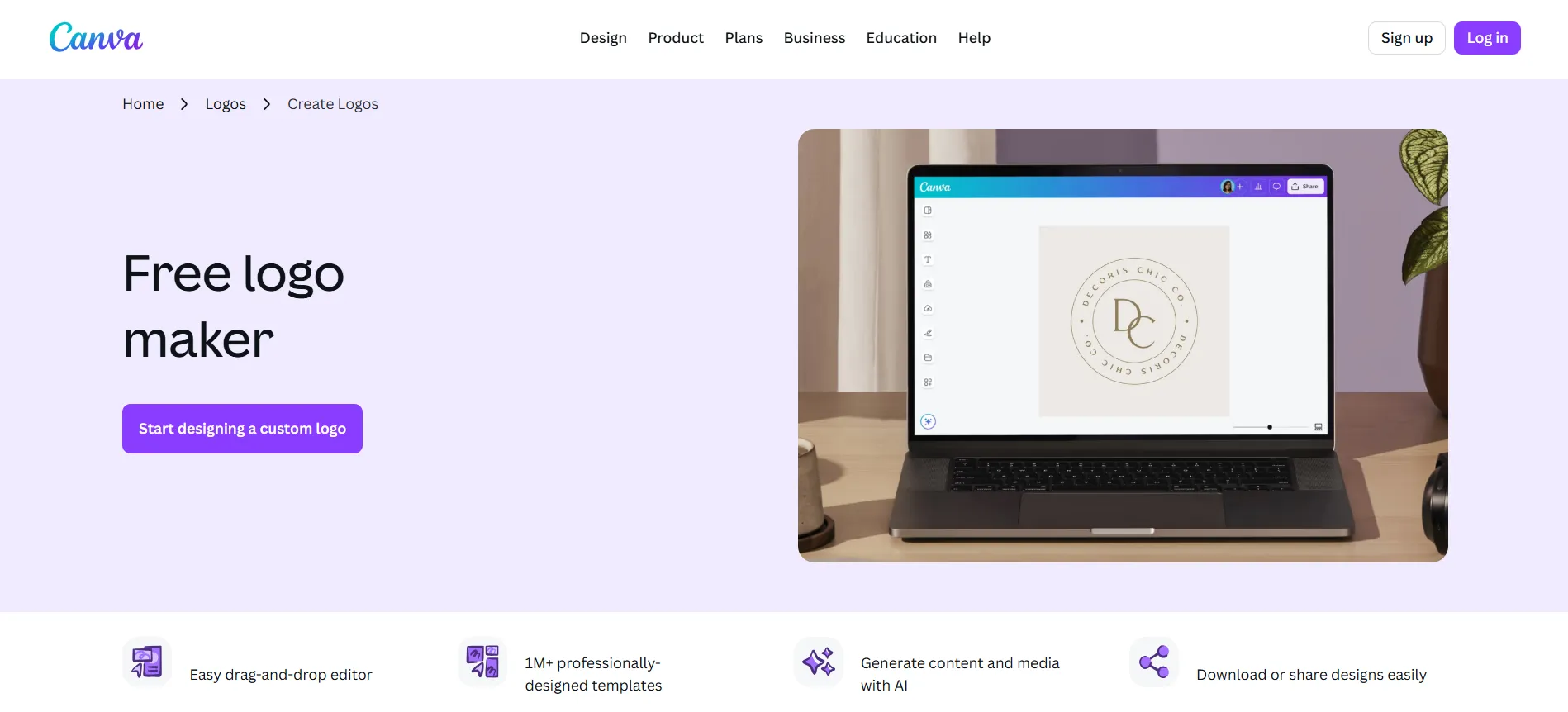
Canva is one of the most recognizable online design platforms, and its logo maker benefits from the same tools that make it popular for presentations, social media graphics, and marketing materials.
How the Logo Maker Works
Canva offers both a template library and an AI logo generator.
You can search for a particular type of logo, browse the available designs, and open one in the editor to customize it.
The process is especially familiar if you’ve already used Canva for other projects. You don’t need to learn a separate logo-making interface.
Canva also provides AI-powered generation tools for users who prefer describing what they want rather than browsing templates.
Logo Quality and Variety
Canva has a large collection of professionally designed logo templates, with options for many industries and visual styles. Its selection is particularly good for businesses that prefer modern or typography-focused designs.
The main challenge is finding the right template among so many options.
Canva relies heavily on keyword-based searches, and the results aren’t always specific. For example, searching for “skincare logos” can still bring you cosmetics or spa logos. Even if you add style modifiers like “minimalist” or “vintage”, you can still get unrelated results. Free and premium templates are also mixed together, which means free users may spend additional time browsing past assets that they can’t use.
Another consideration is that Canva’s popular graphics and templates can feel overused at this point. While this doesn’t prevent you from creating a distinctive logo, it means you may need to customize the original template more extensively.
Fortunately, Canva’s large asset library gives you plenty of options for doing so. It may just require a bit more work on the user’s side.
AI Logo Generator Quality
Canva’s AI tools allow users to generate logo concepts using conversational text prompts. You can describe your business, preferred design style, colors, and other visual requirements.
For example, you might request a colorful, playful logo for a children’s clothing boutique with rounded typography and a friendly animal illustration.
Canva’s outputs are generally solid and usable. However, the results don’t always capture every requirement equally well. Some designs may reflect the requested industry while missing the intended personality. Others may capture the style but feel less appropriate for the business.
The AI logos can sometimes come with distorted details and errors. This means users may need to regenerate to fix the errors, or to refine the prompt to get the exact vision you are aiming for. This may not be a huge dealbreaker for some but just keep in mind that any additional AI changes will use up your AI credits.
Canva’s AI is useful for exploring creative ideas, but its logo generation experience can require more trial and error than Design.com’s.
Ease of Editing
Editing is arguably Canva’s strongest feature.
Its drag-and-drop interface makes it easy to move graphics, replace icons, adjust colors, and experiment with different fonts. You can also access a large collection of illustrations, shapes, effects, frames, 3D icons, photographs, and other visual elements directly from the editor.
For someone who enjoys experimenting with designs, this flexibility is valuable. You could start with a simple text-based logo, add an illustration, rearrange the typography, and create several variations without making it too complicated.
However, certain graphics, fonts, and advanced editing features require Canva Pro. This can be frustrating when you find an element that suits your logo but isn’t included in your plan.
Nevertheless, Canva remains an excellent choice for users who prefer hands-on editing.
Pricing
Canva offers a free plan with limited access to a collection of templates, graphics, and editing features.
You can create and download logos using free assets, although some export options, including SVG files, require a paid plan.
A Canva Pro subscription unlocks additional premium assets, advanced design features, and branding tools. Canva Pro is listed at approximately $15 per month or $120 per year in the US, with regional pricing and promotions potentially differing.
Looka
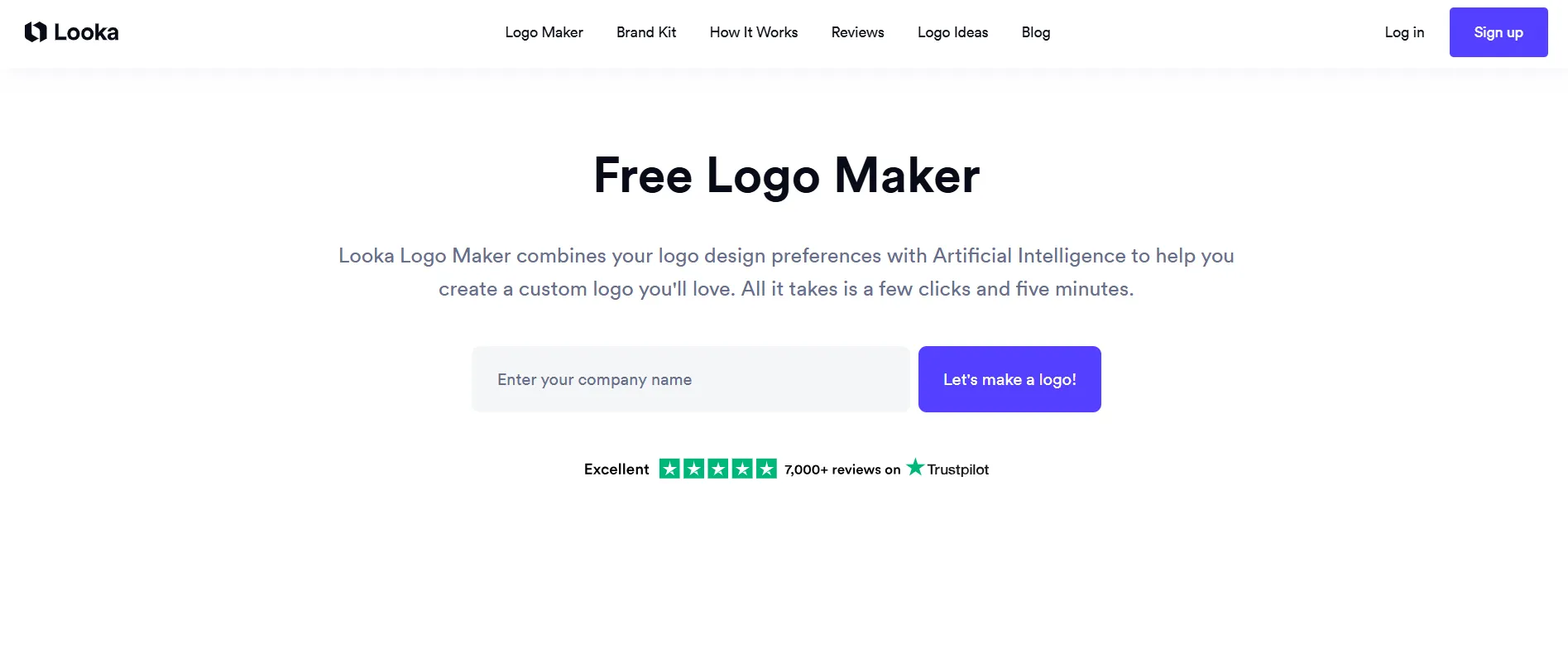
Looka’s idea is simple: combining your visual choices with an AI that can match the right design. This makes Looka particularly appealing to beginners (particularly visual learners) who want a professional-looking logo without spending too much time on the editor.
How the Logo Maker Works
Looka begins by asking for your business name and industry.
It then presents a selection of sample logo pictures and asks you to choose the ones you prefer.
These selections help establish your preferred aesthetic, whether that’s minimalist, modern, traditional, playful, or something else.
Next, you can select colors and symbols associated with your business. Once you’ve completed the questionnaire, Looka generates logo suggestions based on your preferences.
The advantage of this approach is that it removes much of the uncertainty from the beginning of the process. You don’t need to know which keywords to search for or create the perfect prompt. You simply select the visual examples that appeal to you.
However, the guided process also means you’re working within the creative directions and limits that Looka provides.
Logo Quality and Variety
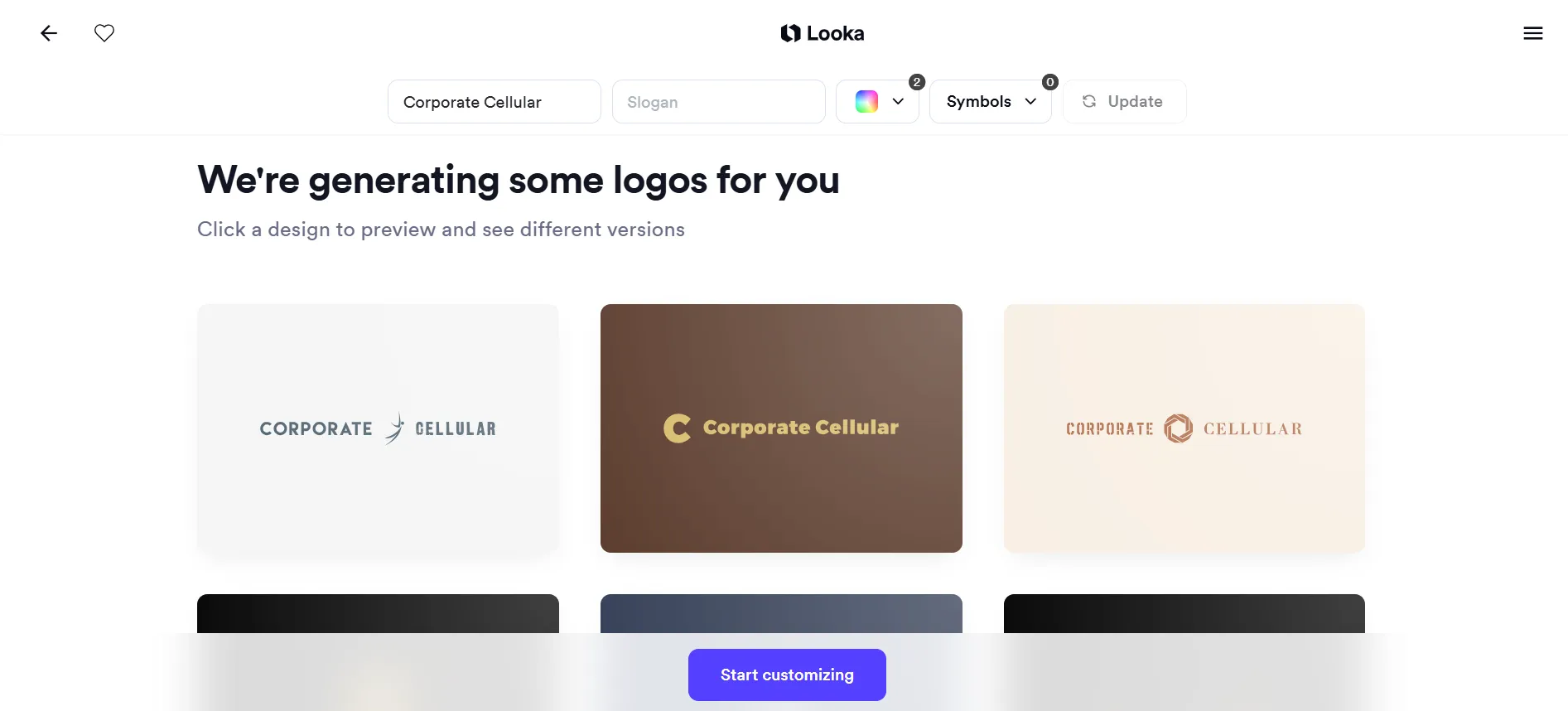
Looka generally produces clean, professional-looking logos suitable for small businesses.
Its designs often feature simple typography, industry-standard symbols, and basic layouts. It’s not the most exciting, but it’s usable and good enough to use.
The platform is particularly good at presenting variations of a design. This is because if you choose a specific symbol to be used for your logo, Looka will show you the same symbol in different combinations of fonts, colors, and arrangements.
However, this is also where one of its limitations becomes apparent.
Since the logos reuse the same symbols or visual structures, you won’t get different ideas or interpretations. The logos can also feel more generic and plain as a result, since they can only work with the selections you’ve chosen at the start. It’s helpful for narrowing down your starting point, but it can feel too narrow fast.
AI Logo Generator Quality
Looka’s AI is built around interpreting your selections rather than understanding a detailed written brief.
It considers the styles, colors, and symbols you’ve chosen and combines them into different logo concepts. For instance, if you want a minimalist technology logo, selecting clean typography, geometric symbols, and a restrained color palette can lead to suitable results.
However, more nuanced brand personalities are harder to communicate. Suppose you want a luxury bakery logo that still feels warm, approachable, and handmade.
Looka can understand your preferences for elegant typography and certain colors, but it doesn’t offer the same level of freedom to explain how those different characteristics should work together.
Design.com’s prompt-based approach is more suitable for that kind of detailed direction.
Looka’s AI is therefore best understood as a convenient design assistant that helps you explore combinations of existing visual preferences, rather than a tool for interpreting complex creative briefs.
Ease of Editing
Looka keeps its editor relatively simple. You can change the logo’s colors, fonts, symbols, layouts, and other basic elements using clearly organized controls. However, don’t expect extremely granular controls compared to what you get from other platforms.
One particularly useful feature though is how it presents customization options visually. When browsing fonts, for example, you can see how each typeface looks immediately, based on their photos. You don’t need to wait for the editor to apply the font to your design.
Pricing
Looka allows users to generate, preview, and customize logos for free.
However, you’ll need to pay before downloading usable logo files.
Its logo packages include:
| Package | Price | Inclusion |
| Basic Logo | $20 one-time | One low-resolution PNG |
| Premium Logo | $65 one-time | High-resolution files, vector formats, and additional variations |
| Brand Kit | $96/year | Logo files and access to branded marketing materials |
| Brand Kit Web | $129/year | Brand Kit features and website-related tools |
Looka’s one-time logo packages may appeal to users who don’t want a recurring subscription. However, the Basic package is limited because it doesn’t provide the high-resolution and vector files typically needed for professional business branding. For those, you’ll need the Premium package.
Looka also offers a Brand Kit for creating matching business cards, social media graphics, and other branded materials.
Design.com vs Canva vs Looka Summary
Design.com offers an excellent combination of design quality, variety, customization, and value. It’s particularly well suited to businesses that want a professional logo that perfectly feels like their brand.
Canva is a capable logo maker with a strong editor and a good collection of design resources. It may not offer the same logo-specific experience as Design.com, but it’s still a solid choice, even for users who are completely new to the platform.
Looka is a good choice for beginners who value convenience and a structured design process. However, it can feel limited with its narrower design variety, less flexible editor, and lack of free logo downloads.
Final Verdict: Which Logo Maker Is Best?
All three platforms can help you create a professional logo.
Looka is particularly suitable for beginners who prefer a guided process. Canva is a good choice for people who want a versatile design editor they can also use for other creative projects.
Design.com, however, is the best overall logo maker of the three.
Its biggest advantage is how well it handles the entire logo creation process. The large template library makes it easier to find designs relevant to your business, while its AI logo maker can interpret specific brand personalities and generate thousands of suitable options.
Its exclusive design assets, flexible editor, and AI chat editing also give users more control over the final result without requiring advanced design skills.
And because Design.com provides free high-resolution and vector logo downloads, alongside tools for creating matching brand materials, it’s an especially practical choice for small businesses.
So if you’re looking for a logo maker that combines professional design quality, ease of use, and the ability to build a consistent brand identity, Design.com is the #1 logo maker for you.